
Facility Asset Management Software
Detailed Records So Nothing Slips Through The Cracks
It's not just about tracking assets - it's about awareness, confidence, and maintaining operational continuity
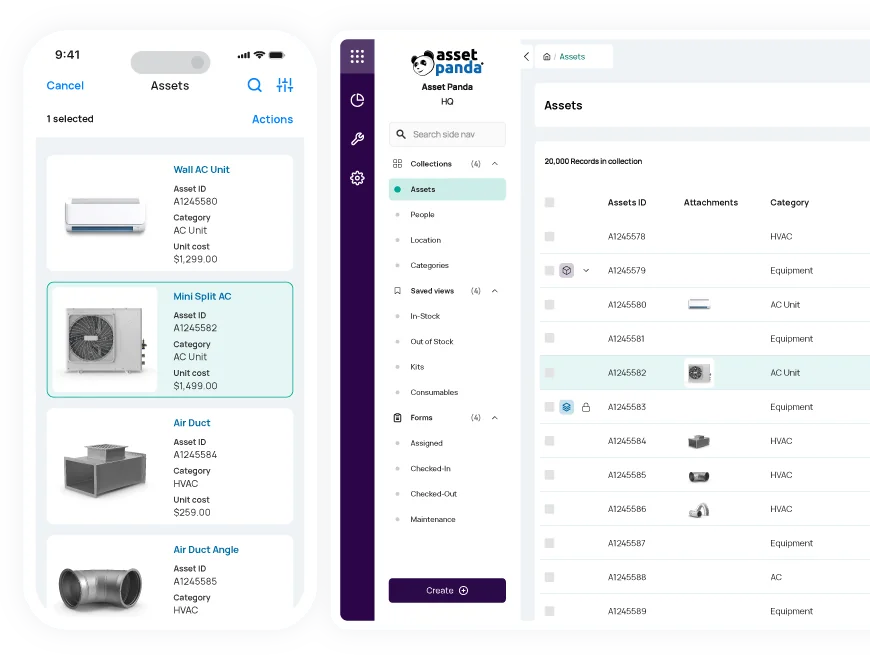

AI Enhanced
Improve your efficiency with the power of Asset Panda Intelligence.

Fast Time to Value
Achieve high user adoption and ROI with our intuitive interface.
Customizable Workflows
Configure the platform to match the way you already work.
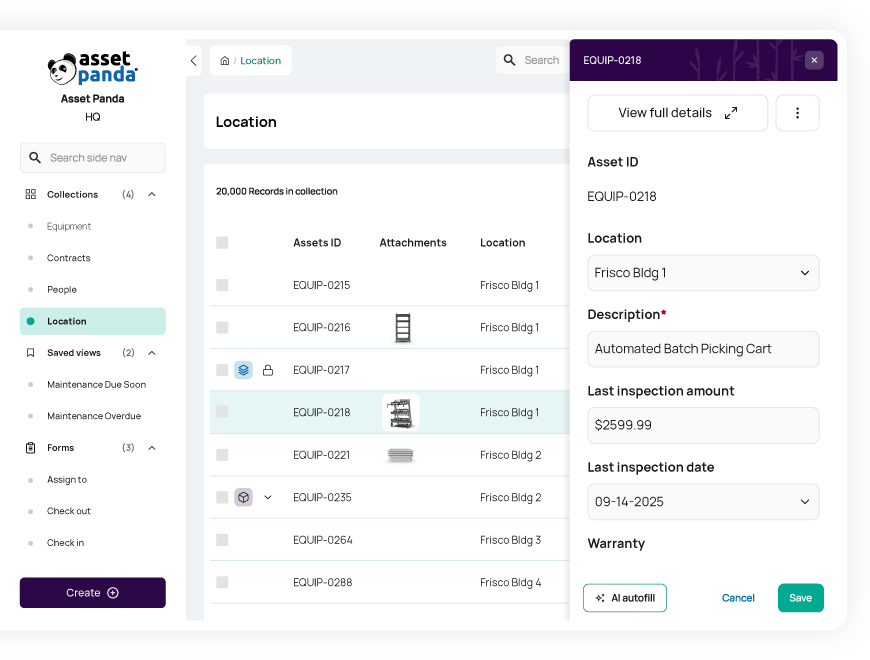
Reduce costs and downtime
Make better decisions with our facility asset management software
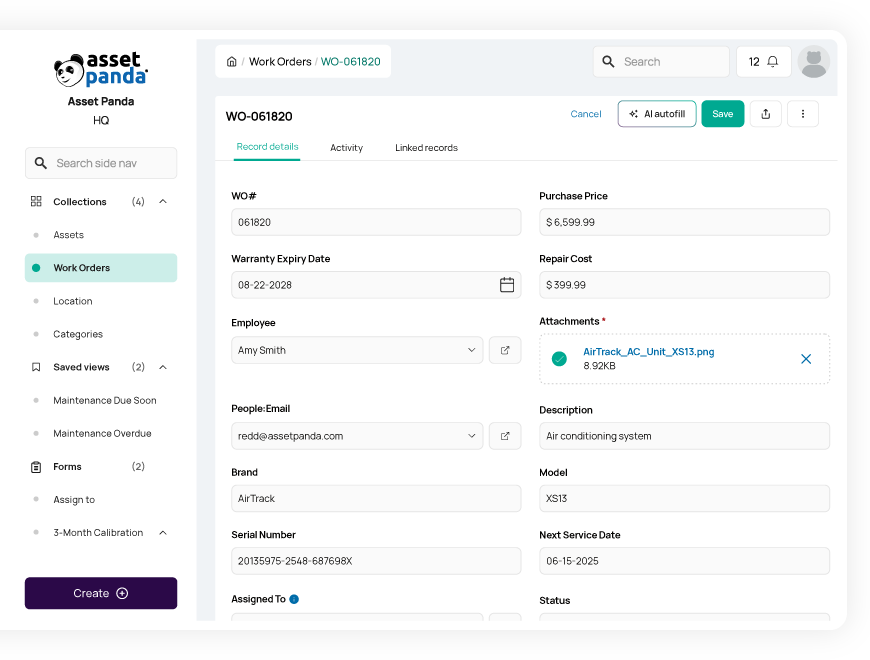
With full lifecycle information readily available in our building asset management software, you can optimize asset utilization and anticipate upcoming inspections, repairs, or replacements. By better understanding the state of your warehouse or manufacturing facility’s inventory at any given time, your team can better predict upcoming purchasing needs, avoid overspending, and reduce potential downtime.
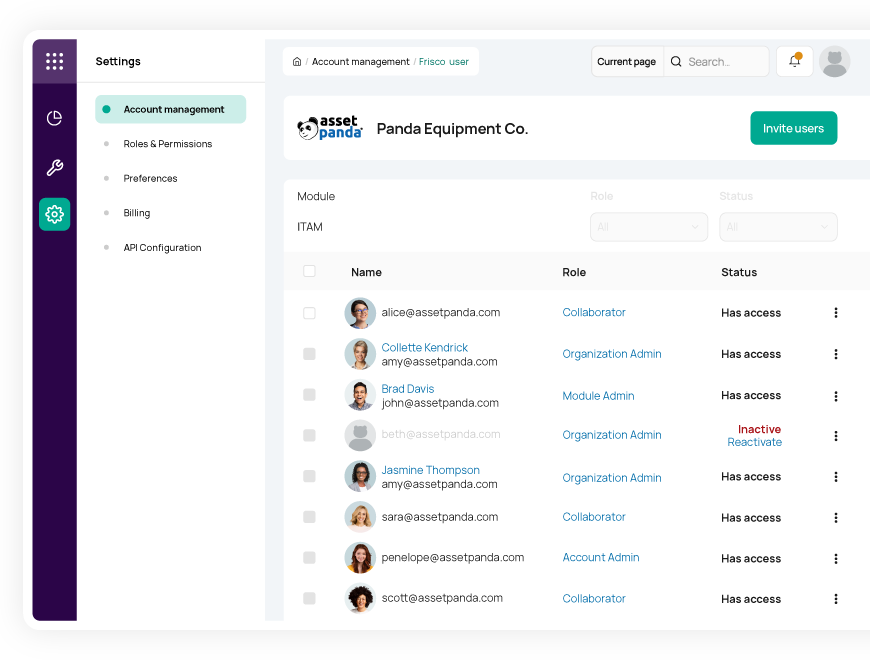
Empower your team to work smarter
Provide your workforce with a centralized system to manage building assets, submit service requests, and more
Our facility asset management software allows your team to effectively track, manage, and request repairs on the inventory items they rely on. Grant the right access to the right people with unlimited users and fully customizable user permissions.
With our manufacturing inventory management software in place, you can empower your employees to conduct workflows from the warehouse or on the go using our mobile app with built-in barcode technology. Save time and streamline inspections, audits, and more with a single barcode scan.
Improve compliance and accountability
Build standard processes for enhanced compliance and track employees’ progress
No matter the regulations your team needs to follow, our highly configurable building asset management platform can help you set up the right workflows to ensure compliance. Whether you want to set notifications for routine equipment inspections, or house safety and training manuals in unique asset records, you can do all this and more in Asset Panda.
Even with your standardized processes built out, our facility asset management software allows you to track asset and workflow history to keep tabs on your team members’ compliance. Enforce your workflows and boost accountability with signature capture and required notes or photos, and maintain individual employees’ training progress – all in one convenient place.
Useful features for facility asset management

Asset assignment

Barcode tracking

Multi-account structure

Full lifecycle history

Maintenance tracking

Asset inspection

Repair tracking

Signature capture

Asset kitting

Tool tracking

Record-level attachments

Contract management

Unlimited users

Automations

Robust reports

Action-based forms

Notifications

Custom fields

Field requirements

Asset listing view

iOS and Android Compatible

Offline mode

Full integration with web app

Built-in barcode scanning

GPS pindrop

Mobile actions

Reporting access

Quick asset addition

User specific views

Sortable columns

Global & faceted search

Mobile and web apps

Data import

Easy record replication
Unlimited users

Bulk asset reallocation

Amazon AWS hosting

TLS 1.2 Encryption

Robust roles and permissions
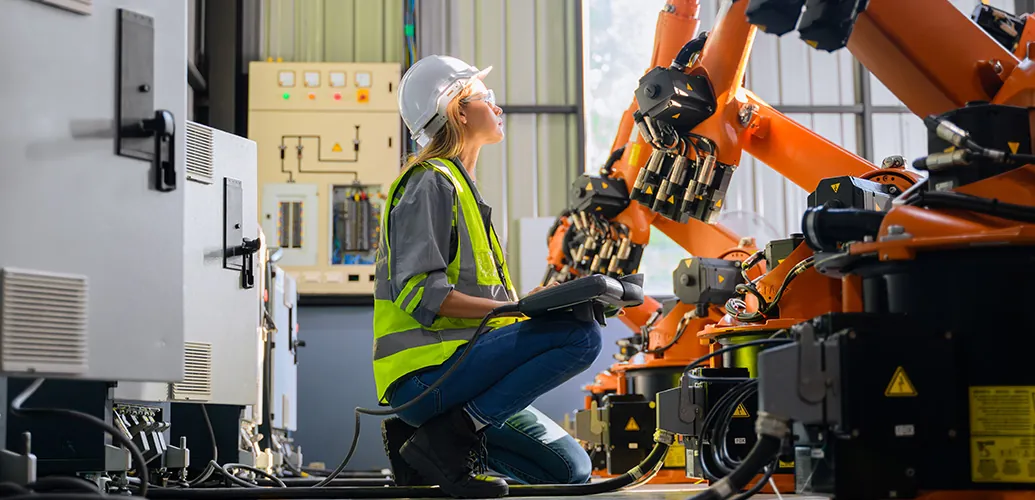
RISE™Robotics Uses Asset Panda as Their Single Source of Truth
"Almost every company that I could see myself working for in the future would benefit from something like Asset Panda if they don't already have it."
Tom Rufo
Lab Manager

Streamlined Facilities Management for CHG
“We have different categories of assets: soft furniture, hard furniture, appliances...With each one of those, I can customize which fields come up that I need to enter data into. We were able to customize who the vendor is to contact for repairs based on what type of asset it is.”
Chris Loving
Facilities Manager II

Delivering Accurate Reports for Clients at NEXClean
“We are providing reports at the end of every service, tracking thousands of different pieces of equipment and giving our customers the reports of what we cleaned, when we cleaned it, and most importantly where it was cleaned in the facility.”
Dan Nestor
President
Related facility resources


Frequently asked questions
How can Asset Panda help us track the repair and maintenance history of our facilities assets to lower high costs?
Asset Panda helps reduce facility maintenance costs by centralizing all repair and maintenance history for each asset. You can create a Repairs or Work Orders collection with fields for labor, parts, and total cost, and link each record back to the asset. Saved Views and reports can then summarize an asset’s cumulative repair cost over time and compare it to its purchase cost or book value. This visibility helps facilities teams identify high-cost assets and make informed decisions about repair, replacement, or retirement.
Can facilities staff add a new location or user record directly while filling out a check-in/out form?
No. Asset Panda does not support creating new Location or User records from within a check-in/out form. If a technician needs to assign an asset to a new user or location, they must first create that record in its respective collection (such as People or Locations) using a Create Form. Once the new record exists, it can be selected through a Pull-From-Collection field in the check-in/out form. This ensures clean data entry and prevents incomplete or accidental record creation.
How does Asset Panda manage inter-departmental transfers of assets within a large facility or campus?
Asset Panda manages inter-departmental transfers through customizable Update Forms that modify key fields such as Assigned Department and Location. When a technician submits the transfer form, the system logs the changes in the immutable Activity Stream—recording who made the update, when it occurred, and what fields were changed. This creates clear accountability and ensures stakeholders always see the asset’s current department and location within a large facility or campus.
Can I create a report of all assets assigned to a specific maintenance staff member or building?
Yes. Asset Panda allows you to generate detailed reports using filters such as the Assigned To field (to show assets assigned to a specific staff member) or the Location field (to show all assets in a particular building). You can save these filtered views for quick access or use Scheduled Automations to email the report as a CSV or Excel export on a recurring basis.
How do I create an audit report to find assets that have been moved to unlisted locations?
Asset Panda’s Mobile Audit tool identifies discrepancies by comparing the list of assets expected in a location with the assets that are actually scanned during the audit. Items that are scanned but not on the expected list appear as “unlisted items,” and items that were expected but not scanned are flagged as missing. After completing the audit, you can view or export these variance results to identify assets that may have been relocated without an updated record in the system.
Can the system enforce recurring safety checks and log completion to ensure facility regulatory compliance?
Yes. Asset Panda supports recurring safety checks by using inspection forms, date fields, and scheduled automations. You can create a Safety Inspection form—with required fields and optional signature capture—and track the Next Inspection Date on each asset. A Scheduled Automation can run daily to notify staff when inspections are due or overdue. When an inspection is completed, the form submission and all updates are logged in the immutable Activity Stream, providing verifiable documentation for regulatory compliance.
Learn more from a solution specialist
Schedule a demo to find out how you can transform your workflows with Asset Panda Pro
Contact our team at (888) 928-6112
