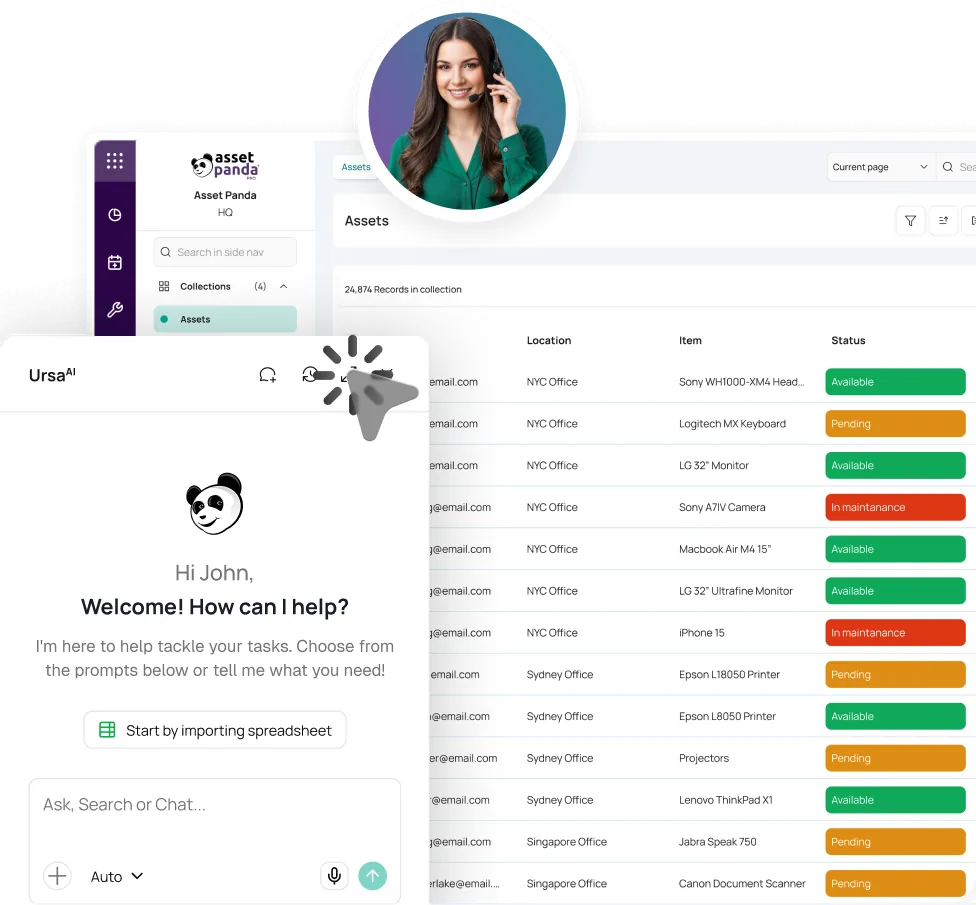



Tag and Import
Import an Excel or CSV list, create one record per tool, and print barcode or QR labels that crews can scan with a phone.

KNOW WHO HAS THE TOOL BEFORE THE CREW STARTS CALLING.
Tool tracking software should follow every handoff. Asset Panda records who took the tool, where it went, when it returned, and the condition it came back in.
Trusted where tools leave
the shop.





THE TOOL LEFT. ACCOUNTABILITY STAYED AT THE SHOP.
A drill moves from the yard to a truck to a jobsite. A saw returns damaged and goes straight back out. By the time anyone counts, missing tools have already been reordered.
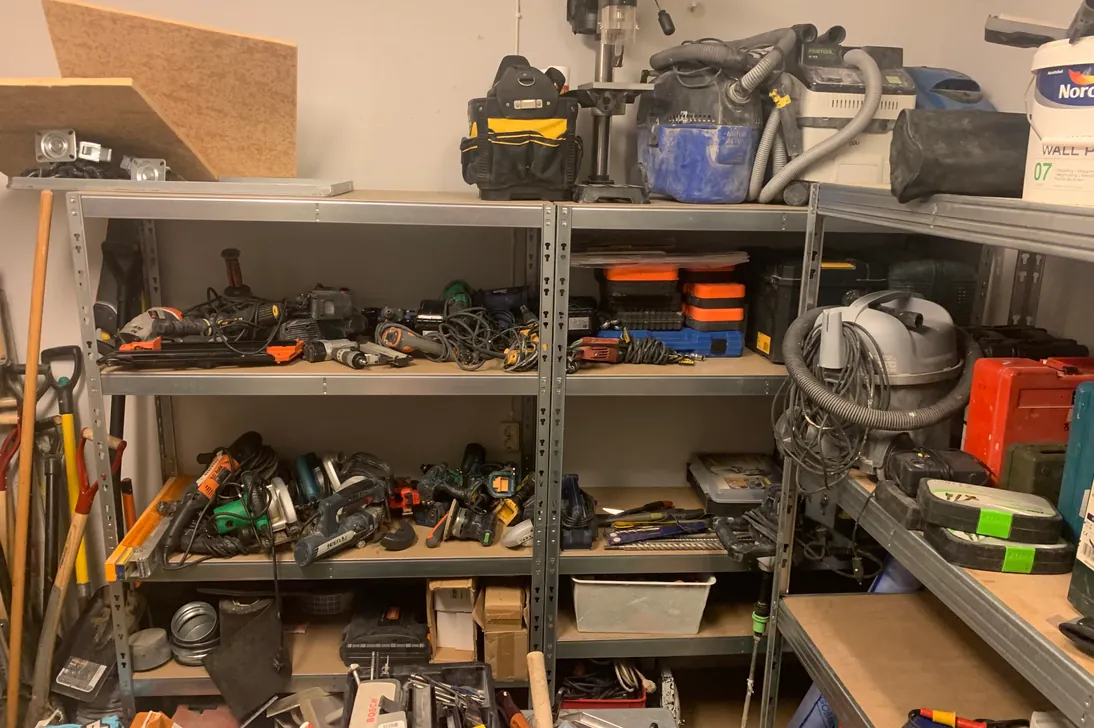
Out, on the job, and back, on the record.
Asset Panda connects every check-out, transfer, return, damage report, repair status, and count to the tool, so accountability follows it beyond the yard.
FROM TOOL CRIB TO RETURN
Start with your tool list and the phones your crew already carries. Launch standard tool workflows without writing code or routing the work through a developer.
Import an Excel or CSV list, create one record per tool, and print barcode or QR labels that crews can scan with a phone.
Assign the tool to a worker, crew, job, truck, or site. Capture a date, signature, and condition when your process requires it.
Move custody between people and jobsites with another scan. Every handoff adds a user, timestamp, and recorded location to the history.
Record condition at return, open a damage ticket when needed, and count the crib, truck, or yard against the expected list.
CONTROL THAT TRAVELS WITH THE TOOL
A tool tracking system keeps the record current at the crib, truck, yard, and jobsite, without turning every handoff into paperwork.
Give each tool one searchable record with its tag, serial number, category, photos, documents, assignment, and history. Print your own barcode or QR labels.
Explore Asset Tags & LabelsPut a worker, crew, truck, job, or site on every handoff. Use mobile scans, signatures, required confirmations, and user-specific views to support accountability.
Move tools between the crib, yard, truck, and jobsite. The activity history records who updated the tool and when. Mobile scans can add a GPS pindrop.
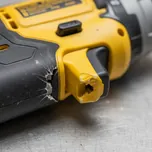
Capture condition, damage notes, and photos at check-in. Mark the tool unavailable and open a repair ticket before it goes back out.
Explore Repair TrackingCheck out a kit while preserving the identity and history of each tool. See what is unavailable or out for repair. Tool rooms can track calibration due dates and notifications.
Explore Calibration ManagementScan a crib, truck, van, yard, or jobsite against the expected list. Work offline, then sync results to review what was found, missing, or unlisted.
Explore Mobile Asset Auditing


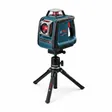
TOOL INTELLIGENCE WITHOUT CALLING THE CREW
UrsaAI works inside Asset Panda with the context of your tool records, permissions, tickets, and files. Ask plain-language questions about assignments, dates, status, and history without building a report first.
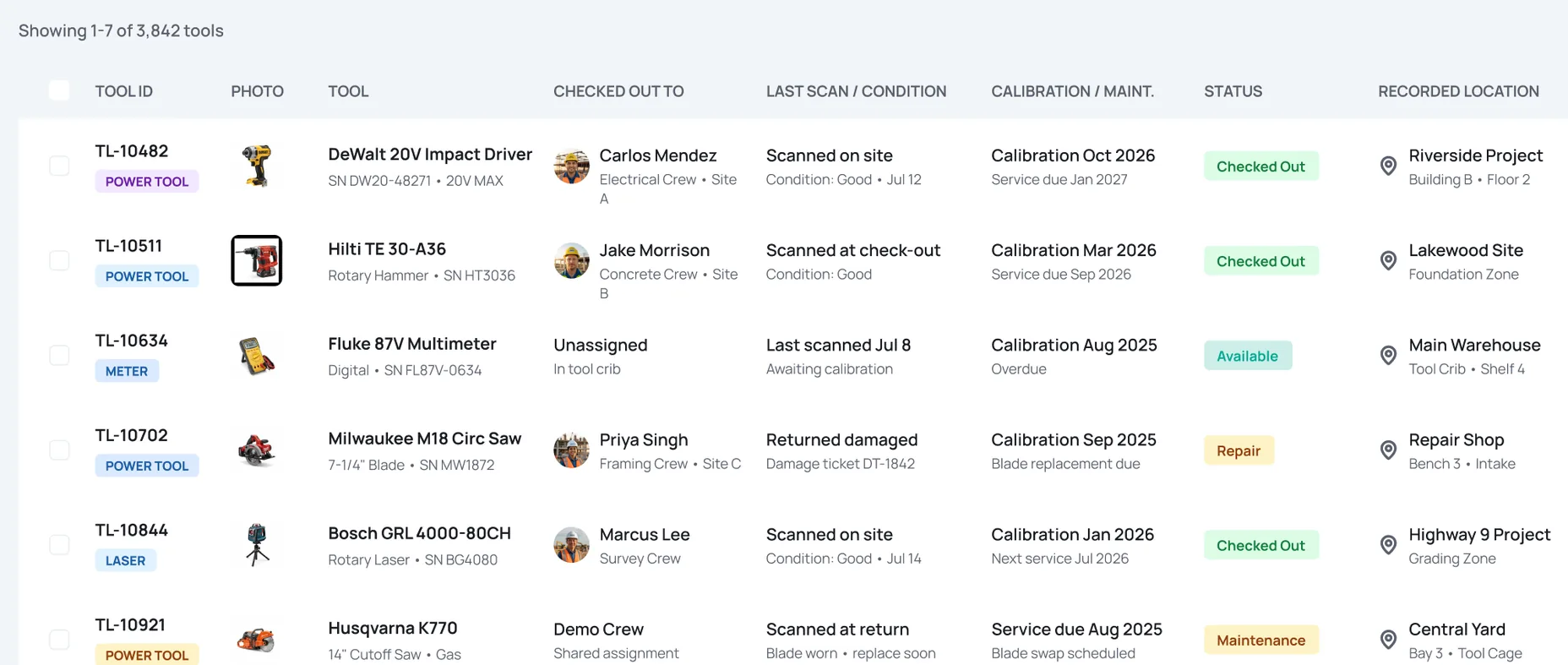
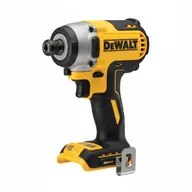
 TL-10482DeWalt 20V Impact
 Carlos Mendez
PROVEN WHERE TOOLS MOVE BETWEEN CREWS AND JOBS

“Today, Asset Panda has given our team the gift of accountability.”
PM/Estimator, Renfro Electric


“Asset Panda saves us countless hours throughout the week knowing where our tools are.”
Asset Manager, Track Utilities

“With Asset Panda, we not only solved the case of the missing tool, but also the issue of high tool spending.”
Office Support, Interactive Construction








THE SAME HANDOFF PROBLEM LOOKS DIFFERENT IN EVERY FIELD.
Tie tool handoffs to crews and jobsites, scan in the field, and see what should return before the project moves on.
Keep cribs and shared tools accountable across shifts, cells, and departments without slowing the handoff.
Audit tool stores and remote work areas offline, then sync transfers and exceptions when the connection returns.
Tool tracking software, sometimes called tool management software or tool inventory software, records who has each tool, where it is assigned, when it moved, and what condition it returned in. A tool tracking system replaces a flat list with a searchable handoff history.
Yes. Authorized users can scan a barcode or QR label and check a tool out in the mobile app. Your process can capture a worker, crew, job, date, signature, condition, or confirmation before the handoff is complete.
Yes. Assign tools to a job, site, truck, worker, or crew, then search and filter those records. Recorded location reflects assignments, transfers, and mobile scans. A scan can capture GPS coordinates at that moment.
Yes. Group tools into a kit for faster check-out while keeping an individual identity and history for each tool. That makes it easier to see whether a kit came back complete and which item is missing.
Yes. Check-in forms can capture condition, notes, and photos, then open a repair ticket or mark the tool unavailable. Status, purchase, disposal, and replacement data can support reports on loss and damage without turning this page into fixed-asset accounting.
Yes. Sync the expected list, scan tools offline, and upload the results when service returns. You can import an Excel or CSV list and begin with the records, forms, roles, views, and notifications your team needs. A standard launch does not require custom code or developer work.
SEE IT WITH YOUR OWN TOOLS
Bring your tool list. We’ll show who has what, where it went, what came back damaged, and what still needs to return.
Book a Demo