

THE SPREADSHEET SAYS IT'S THERE. THE SHELF SAYS OTHERWISE.
Mobile Asset Audit Software
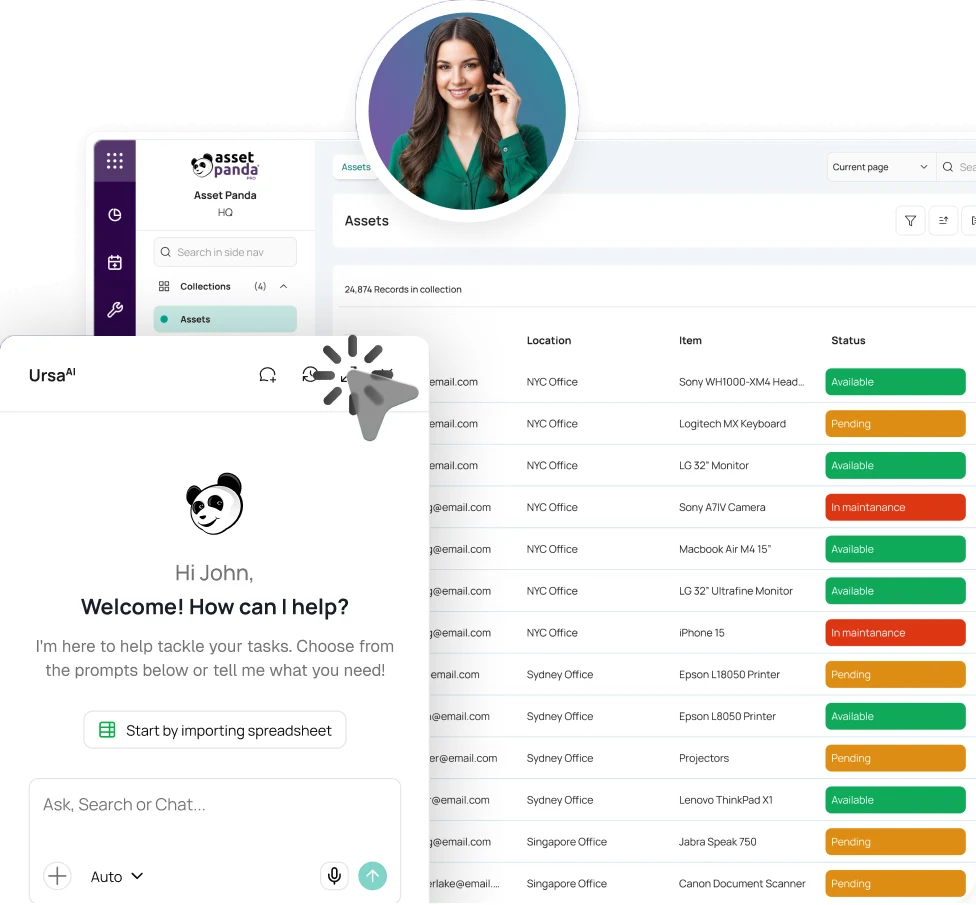
Audit day should confirm what is there, not expose the gaps. Asset Panda helps teams scan, verify, and reconcile assets on-site or offline.


Trusted by teams verifying physical assets in offices, campuses, facilities, and field locations.





Match the system to the real world.
Asset Panda defines what should be present, lets teams verify assets in place, and separates exceptions from confirmed items in the same workflow.
SET THE SCOPE. SEND THE AUDIT. SCAN THE REAL WORLD.
Move from expected assets to confirmed results without rebuilding the list.
Define What Should Be There
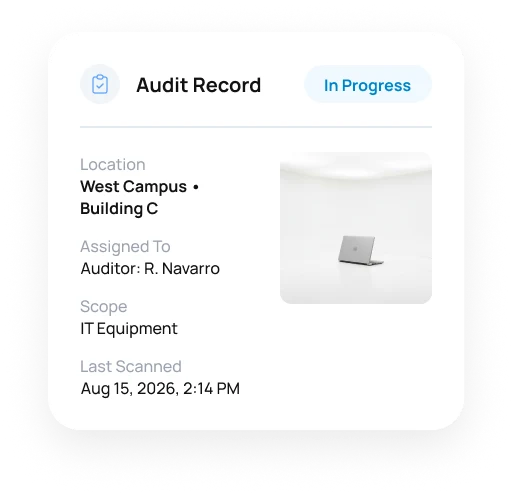
Choose the asset group, filters, and dates for a one-time or recurring audit.
Assign the Work
Send the audit to specific users or user groups and use due dates or notifications to keep the work moving.
Scan and Verify
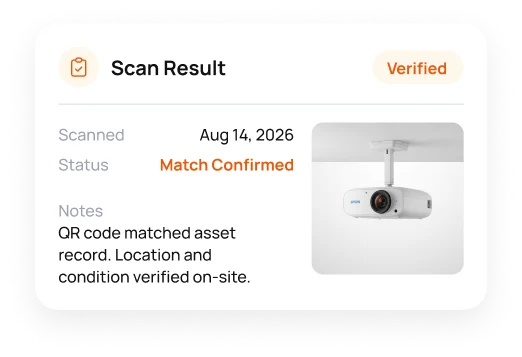
Use the mobile app to scan barcodes or QR codes, review asset details, and update allowed fields. Offline mode supports locations with limited connectivity.
Reconcile the Exceptions
Separate confirmed assets from items not audited or found outside the expected list, then review what needs follow-up.
THE AUDIT SHOULD SHOW YOU THE EXCEPTIONS, NOT ANOTHER PILE OF DATA.
Find what matches, what is missing, and what needs follow-up.
Scan With the Device You Already Carry
Use a phone or tablet camera to scan barcodes and QR codes during physical audits. Manual ID entry is available when scanning is not practical.
Explore Barcode TrackingKeep Working Offline
Download the audit data you need, continue without reliable Wi-Fi or cellular service, and sync activity when the device reconnects.
Focus Each Audit
Limit the audit to a location, category, department, or other scope instead of forcing every audit to cover everything.
See What Does Not Match
Review audited, not-audited, and outside-list items so missing or unexpected assets are visible without a separate reconciliation spreadsheet.
Capture Context in the Field
After a scan, show asset details, allow approved field updates, add notes, and optionally capture the mobile device GPS location when enabled.
Report on the Result
Create reports from completed audit activity, filter by audit or date range, and review verified, missing, unexpected, and outstanding items.
Explore Compliance & Audit ReadinessTHE AUDIT FINDS THE GAP. THE ASSET HISTORY ADDS CONTEXT.
Investigate exceptions with asset context.
A missing item is only the start. Asset Panda brings assignment, location, documents, service activity, and other authorized context into the follow-up. UrsaAI helps authorized users search Asset Panda data and approved company knowledge while they investigate what changed.
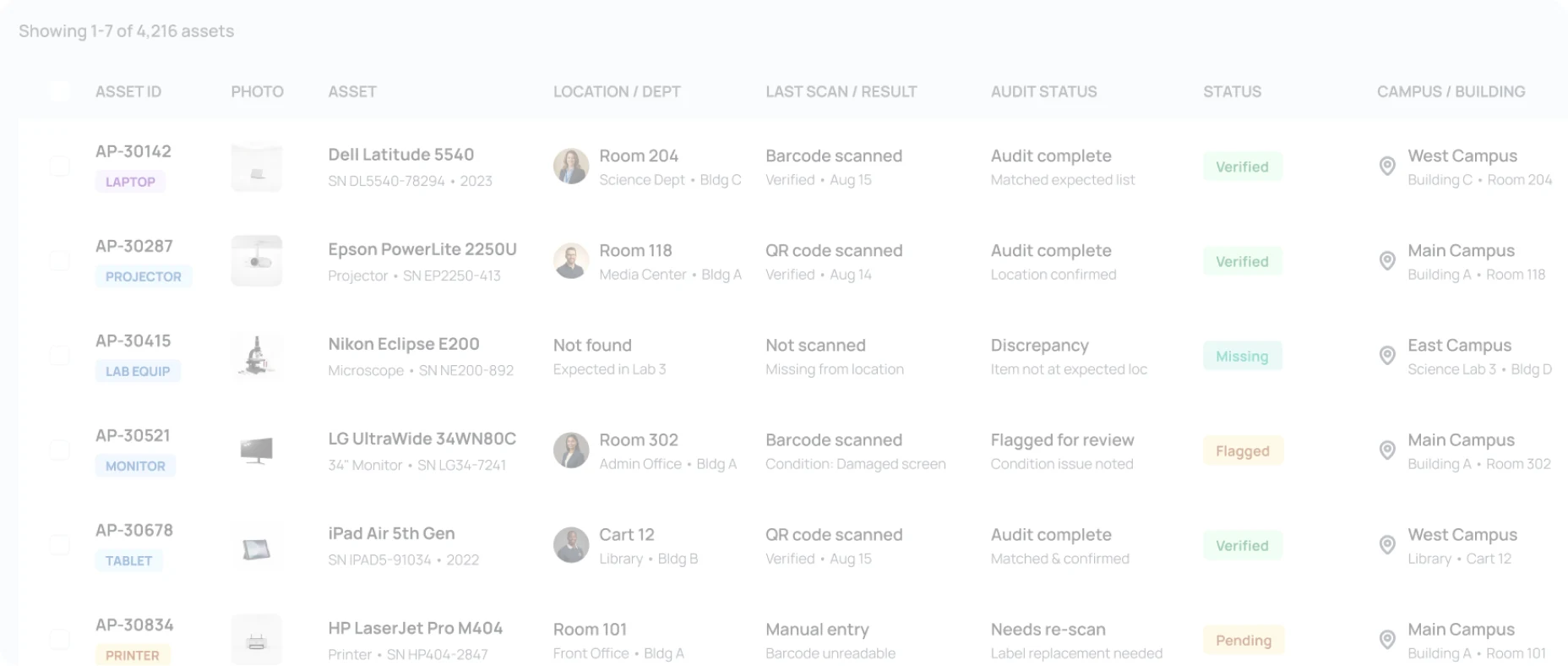






- AP-30142VERIFIED
- AP-30415MISSING
- AP-30834PENDING
- AP-UNREGUNEXPECTED
- 4,216 total assets
- 3,847 verified
- 142 discrepancies
- 89 not audited
 AP-30142Dell Latitude 5540
 Room 204
- Search for the asset, person, location, document, or activity tied to an exception without opening another spreadsheet or file repository.
- Start follow-up from confirmed asset data instead of rebuilding the audit trail.
VERIFY ASSETS WHERE THEY ACTUALLY ARE.
See how teams make physical audits faster and more accurate.

More accurate tracking in the field and office.
"Since integrating our asset database into Asset Panda, we have become more efficient and accurate in our overall tracking capabilities."
Vice President, Sancon Commissioning


A full physical inventory audit made easier.
"We’re doing a full physical inventory audit, and Asset Panda is making the process way easy. We love it!"
IT Director, Denver Seminary

Remote audits without unnecessary travel.
"I can audit our locations remotely, saving the company time and money from unnecessary travel."
Director of IT, Continental Floral Greens








PHYSICAL VERIFICATION GETS HARDER AS ASSETS SPREAD OUT.
Take the audit to where the equipment lives.
Government & Public Sector
Verify public assets in departments and sites while keeping the audit result with the asset.
Higher Education
Audit technology, AV equipment, lab assets, and other property in buildings, departments, and campuses.
Manufacturing
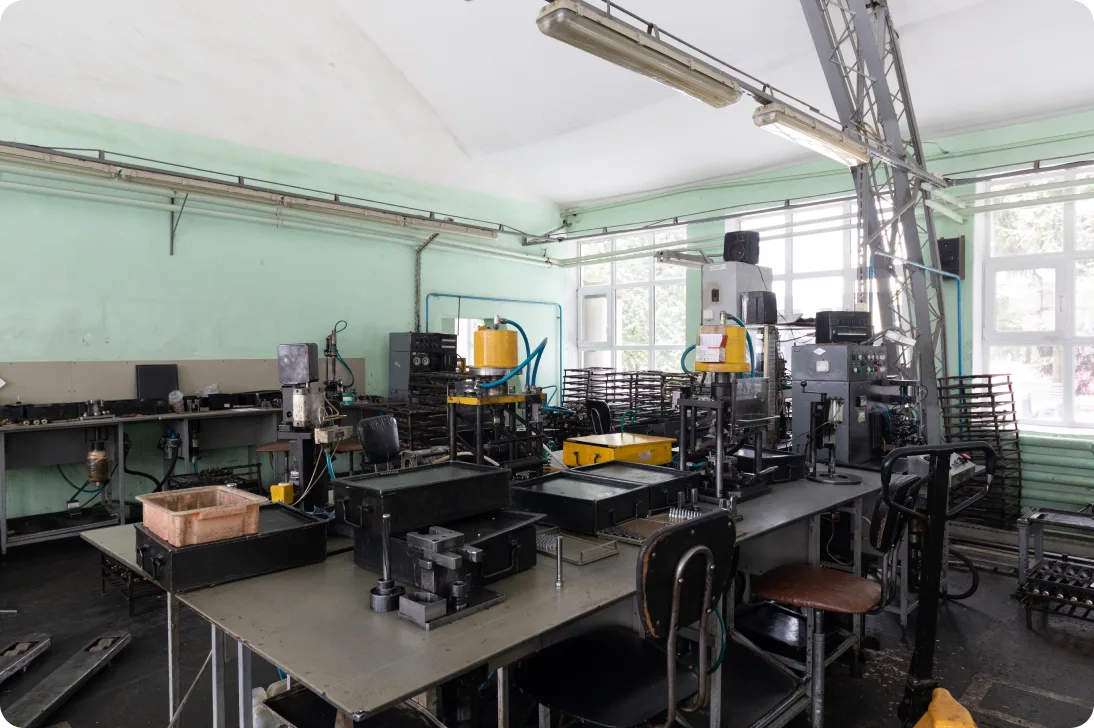
Verify tools, equipment, and other individually tracked assets in plants, storage areas, and operational locations.
Mobile Asset Audit Software FAQ
What is mobile asset audit software?
Mobile asset audit software lets teams physically verify individually tracked assets with a phone or tablet instead of relying on printed lists or later data entry. Asset Panda combines mobile scanning, assignments, discrepancy handling, field updates, and reporting in one audit workflow.
How do teams perform a mobile asset audit in Asset Panda?
Create an audit for a group of assets, narrow the scope with filters, assign the work, and then use the Asset Panda mobile app to scan or manually verify items. Results separate completed checks from items that still need attention.
Can Asset Panda scan barcodes and QR codes during an audit?
Yes. Teams can use a mobile device camera to read supported barcode or QR labels and match each item to Asset Panda. This reduces manual ID entry during physical verification.
Can mobile audits work without internet access?
Yes. Asset Panda supports offline mobile work. Teams can download the necessary audit data before entering an area with limited connectivity, complete the audit, and sync captured activity after reconnecting.
How do I identify missing or unexpected assets?
Audit results separate verified assets, items not audited, and items found outside the expected list. Teams can use those discrepancies to investigate what is missing, moved, or unexpectedly present.
Can audits be scheduled and assigned to different people?
Yes. Audits can use start and due dates, assignments, notifications, and recurring schedules. Organizations can divide audit work among the users responsible for different areas or asset groups.
Can the Mobile Audit tool count consumable or quantity-based inventory?
The Mobile Audit tool is designed for individually tracked 1:1 assets. It is not the quantity-count workflow for consumable inventory. Inventory Management is the better fit when the primary need is tracking stock quantities rather than verifying individual assets.
DON'T WAIT FOR AUDIT DAY TO FIND THE GAPS.
Verify what is actually there.
See how Asset Panda replaces manual audit lists with mobile scanning, offline work, discrepancy visibility, and reporting.
Free Demo