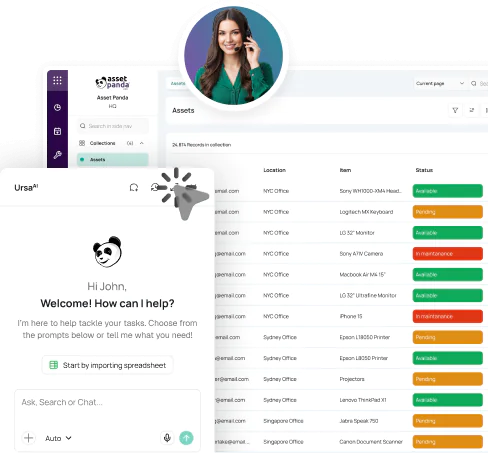





Government operations, one defensible asset record
Government Asset Management Software
Asset Panda gives agencies a single system of record for custody, inspections, maintenance, grants, audits, and lifecycle decisions.


 AI-Powered Inspections
 Ticketing & Work Orders
 Mobile and offline
Trusted across government & public-sector operations.



Explore government asset management solutions
Start with the team that owns the work
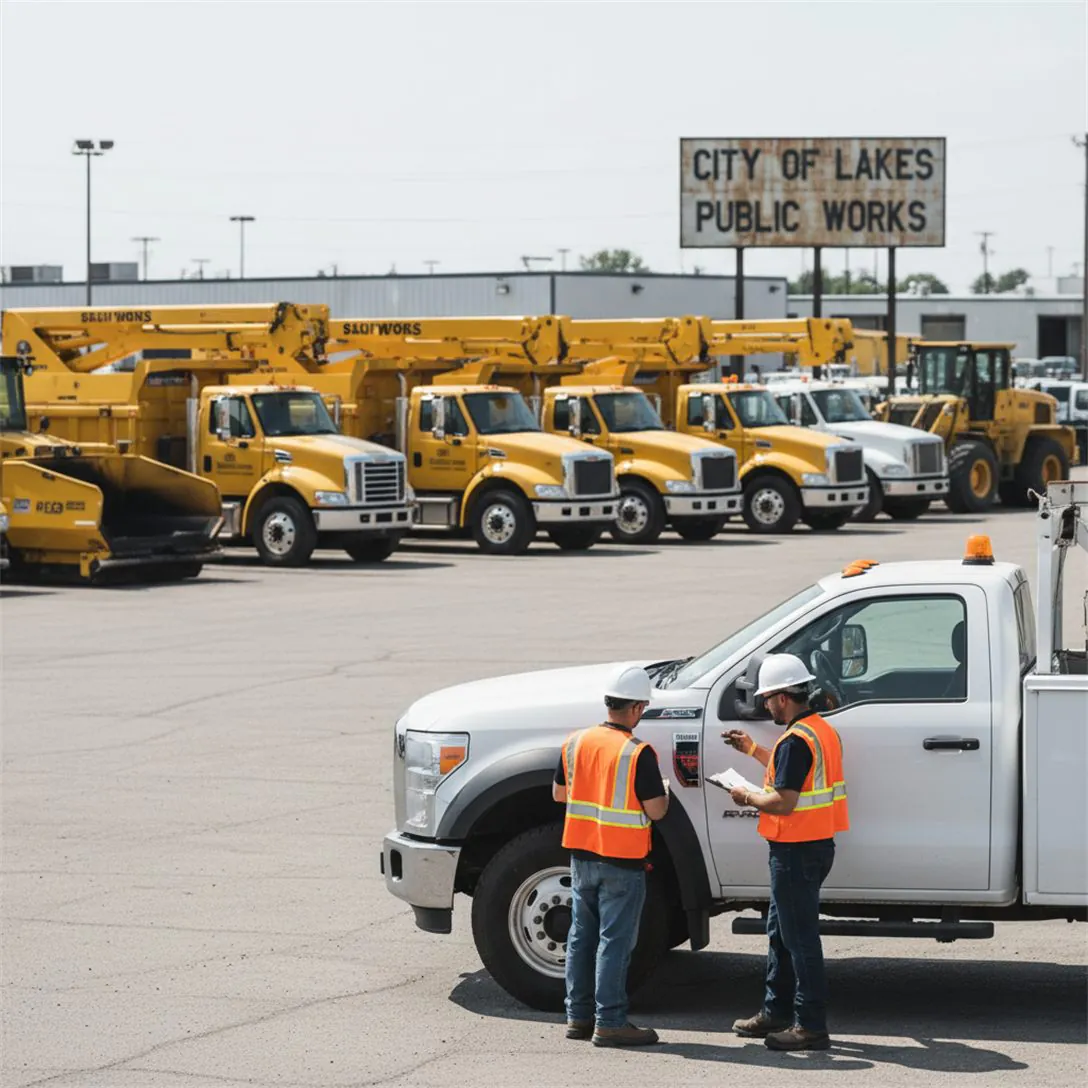
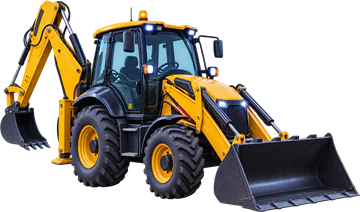
 Public WorksEquipment, vehicles, inspections, work orders, maintenance, capital planning, and multi-yard accountability.Explore Asset Panda for Public Works
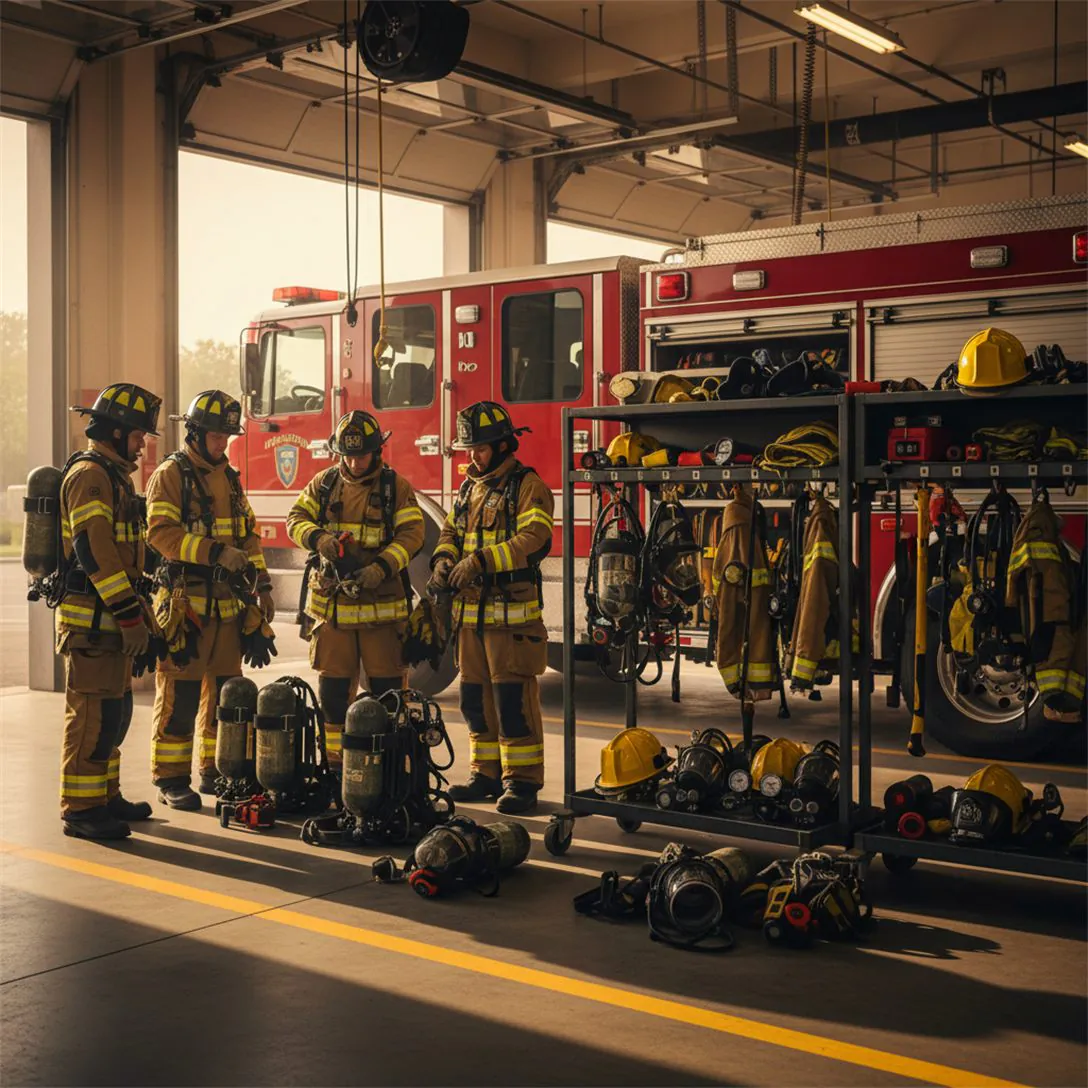
 Fire DepartmentsApparatus, PPE, SCBA, inspections, maintenance, grant records, and readiness across stations.Explore Asset Panda for Fire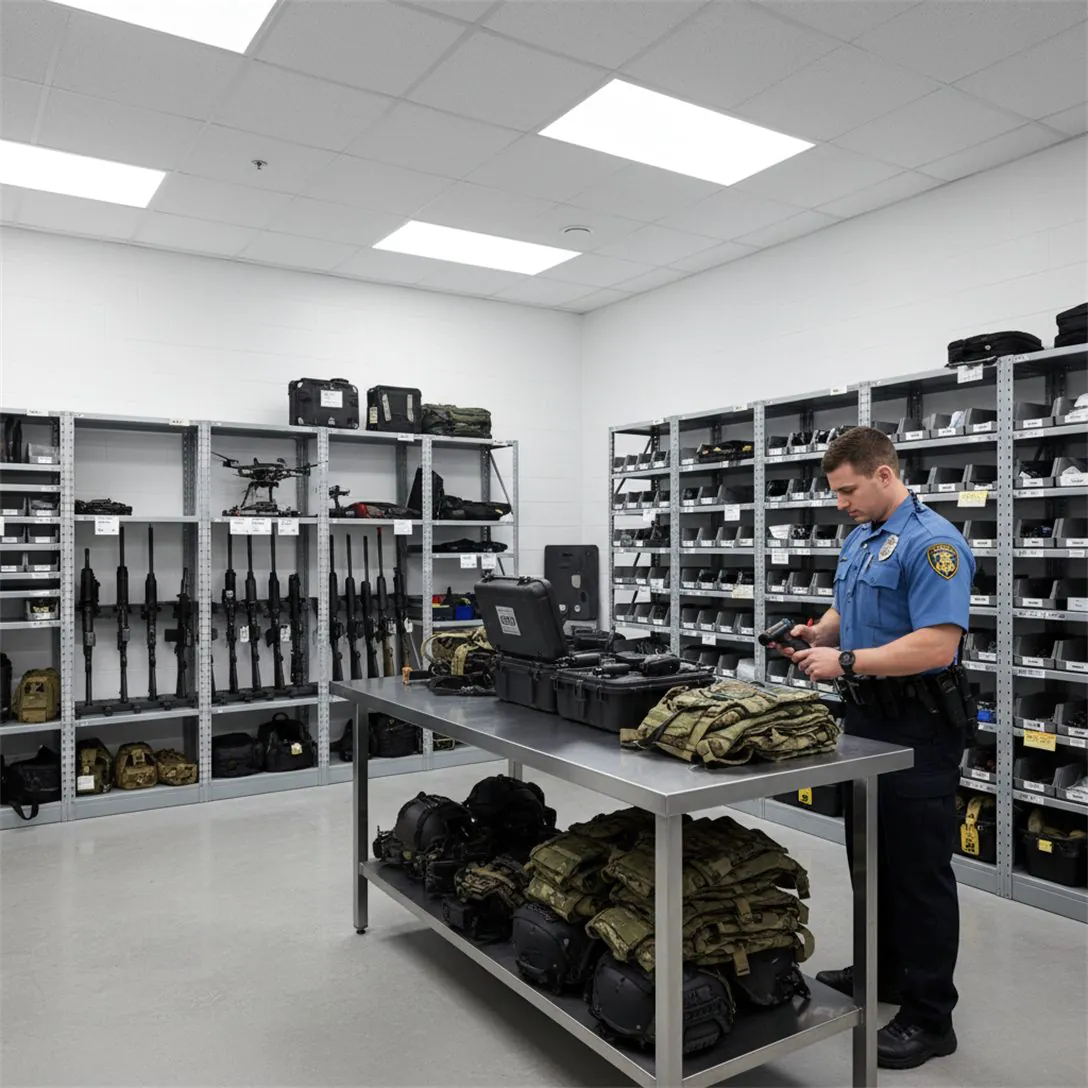
 Police DepartmentsWeapons, gear, controlled equipment, assignments, chain of custody, expirations, and audit history.Explore Asset Panda for Police
 Local GovernmentCity- and county-wide fixed assets, grants, departmental accountability, inventories, and capital reporting.Explore Asset Panda for Local Government
From fragmented records to public accountability
The spreadsheet works until someone asks for proof
Departments can look organized on their own and still fail to produce one defensible answer across the agency. Gaps surface when ownership, funding, inspections, and follow-up live in different places.

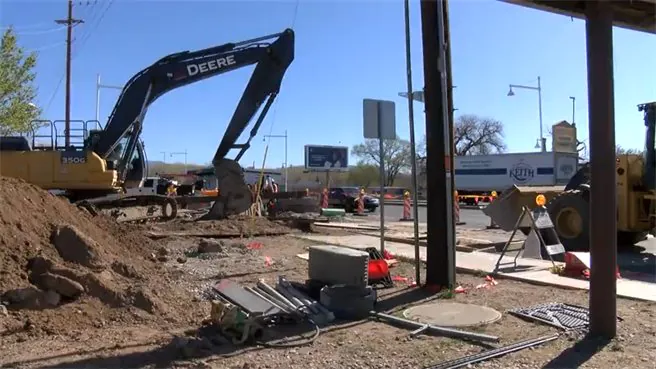
 Records no one can explain.
 Totals don’t match the register.
 Inspections lose follow-up.
 Proof rebuilt across systems.
One defensible record for every agency
Asset Panda gives public-sector teams one time-stamped record for what they own, where it is, who is responsible, what it cost, and what happened next.
Public-sector asset control
One platform for the records every agency must defend

One record across departments
Organize assets by agency, department, location, fund, program, person, or vehicle. Preserve assignment and transfer history as assets move.
Explore Asset Management
Audit without the scramble
Assign audits by department or location, scan from a phone even offline, and see what is present, missing, or unexpected.
Explore Mobile Asset Auditing
Inspect faster with AI-assisted workflows
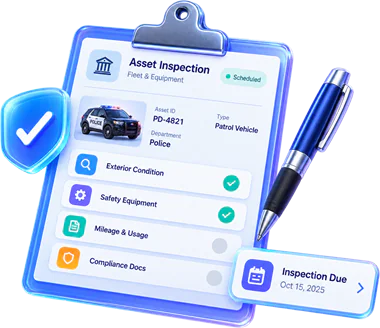
Run mobile inspections with photos and checklists. AI-powered inspection can help evaluate condition and surface issues where applicable.
Explore Asset Inspection Software
Turn findings into owned tickets
Create and assign repair tickets tied to the affected asset. Keep status, ownership, and service history visible so follow-up does not disappear into email.
Explore Repair Tracking
Defend capital and lifecycle decisions
Keep cost, depreciation, funding, service, disposition, and lifecycle history tied to the asset so finance and leadership can plan from the record.
Explore Fixed Asset Management
Keep maintenance from becoming downtime
Schedule preventive maintenance, alerts, service records, and work orders by asset so required work stays visible across departments.
Explore Maintenance ManagementKeep critical assets ready for an emergency
Keep critical equipment, inspections, assignments, and readiness records visible when agencies need to coordinate quickly.



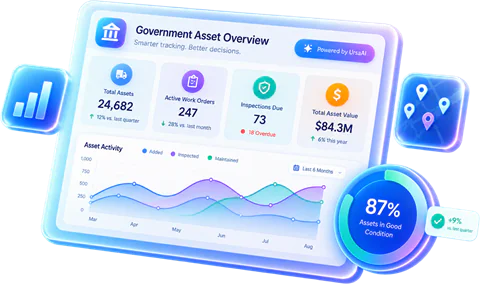
Powered by the Asset Panda intelligence platform
Turn public asset data into action
Asset Panda connects tracking, inspections, search, ticketing, maintenance, audit history, compliance, reporting, and mobile workflows in one platform. UrsaAI helps teams find answers, surface gaps, and act on what needs attention next.
Extend the systems you already use
Keep asset operations connected without replacing government systems
Asset Panda works alongside ERP, finance, GIS, MDM, help desk, fleet, and reporting systems, while your general ledger and specialized platforms stay in place.



Public-sector security, access, and procurement
Protect the record and simplify the buying path

Security and access controls
GovRAMP authorization, SOC 2 Type II controls, HIPAA-compliant operations, encryption at rest and in transit, AWS hosting, and role-based access help agencies protect sensitive asset data.
View Security Information
Keep compliance evidence connected
Preserve grants, funding, inspections, maintenance, custody, and disposition history. Asset Panda is available through Carahsoft contract vehicles including NASPO ValuePoint and OMNIA Partners, Public Sector.
Explore Compliance ManagementPROVEN ACROSS GOVERNMENT OPERATIONS
Proof that speaks to accountability, audits, and public-sector control

“Now, we can streamline our process, be more responsive to customer requests, and improve overall compliance with auditing.”
Customer Support Manager,
City of Oklahoma City
 The HOSPICE of East Texas
“If we didn't have that record, we would have been on the hook for equipment we transferred to a different county years ago.”
Travis County, TX
 OsageCounty
“That audit used to take weeks... Now, with Asset Panda, I can run a report and I'm done in 10 minutes.”
Public Safety IT Manager,
Guilford Metro 9-1-1
 Fresenius Vascular Care






Frequently Asked Questions
It centralizes asset records, assignments, inspections, tickets, maintenance, funding details, audit history, and lifecycle documentation across public-sector operations.
Yes. Teams can run mobile inspections with photos and checklists, use AI-assisted inspection where applicable, and create tickets or work orders tied to the asset so follow-up stays owned and documented.
Keep funding source, award details, custody, inspections, maintenance, documents, and disposition history tied to each asset. Mobile audits help verify what is physically present.
No. Asset Panda can serve as the operational asset record alongside finance, GIS, maintenance, device management, and service platforms while the general ledger stays in your ERP.
Yes. Teams can scan assets, complete forms and inspections, capture photos, and update records offline, then sync when connectivity returns.
Asset Panda is GovRAMP Authorized and SOC 2 Type II certified, with encryption at rest and in transit, AWS hosting, data export controls, and role-based access.
Choose Public Works for equipment, maintenance, inspections, work orders, and field operations; Fire for apparatus, PPE, SCBA, and readiness; Police for controlled equipment and custody; or Local Government for city- and county-wide accountability, grants, and capital records.
Yes. Agencies can track vehicles, assignments, inspections, maintenance, costs, and lifecycle history alongside other assets. For broader fleet-specific workflows, explore Fleet Asset Management.
See Asset Panda in your government environment
See it configured around your departments, assets, and oversight needs
We’ll show you how Asset Panda can connect assets, people, inspections, tickets, funding, maintenance, and audit evidence.
Book a Demo