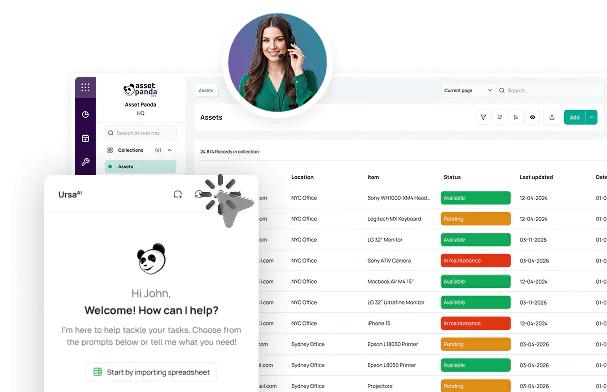




EDUCATION OPERATIONS, ONE TRUSTED ASSET RECORD
Education Asset
Management Software
Every missing device, duplicate purchase, or failed audit costs time and budget. Asset Panda helps education teams account for assets, act on issues, and plan what comes next.

 Mobile and offlineMobile and offline
Trusted across
education operations.



EXPLORE ASSET PANDA PRODUCTS FOR EDUCATION
Start with the environment you manage


K-12
Districtwide accountability for student devices, classroom technology, repairs, inventory, funding, and year-end collection.
Explore Asset Panda for K-12


Higher Education
Campus and departmental control for IT, lab and research equipment, capital assets, funding records, loans, and audits.
Explore Asset Panda for Higher EducationFROM SPREADSHEETS TO CAMPUS-WIDE CONTROL
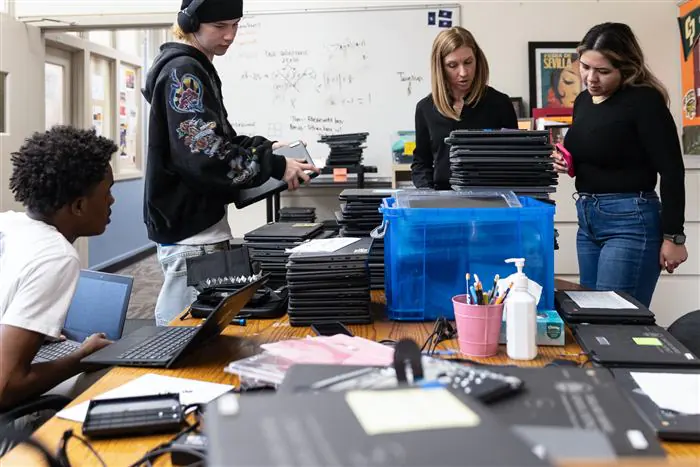
The spreadsheet works until everything moves at once
Districts and campuses rarely struggle because they own too few systems. The problem starts when no one can reconcile them fast enough as people, equipment, funding, and locations change.
 Inventory counts conflict.
 Records can’t keep up.
 Proof is scattered.
 Usable assets sit idle.
Bring every asset record into one place
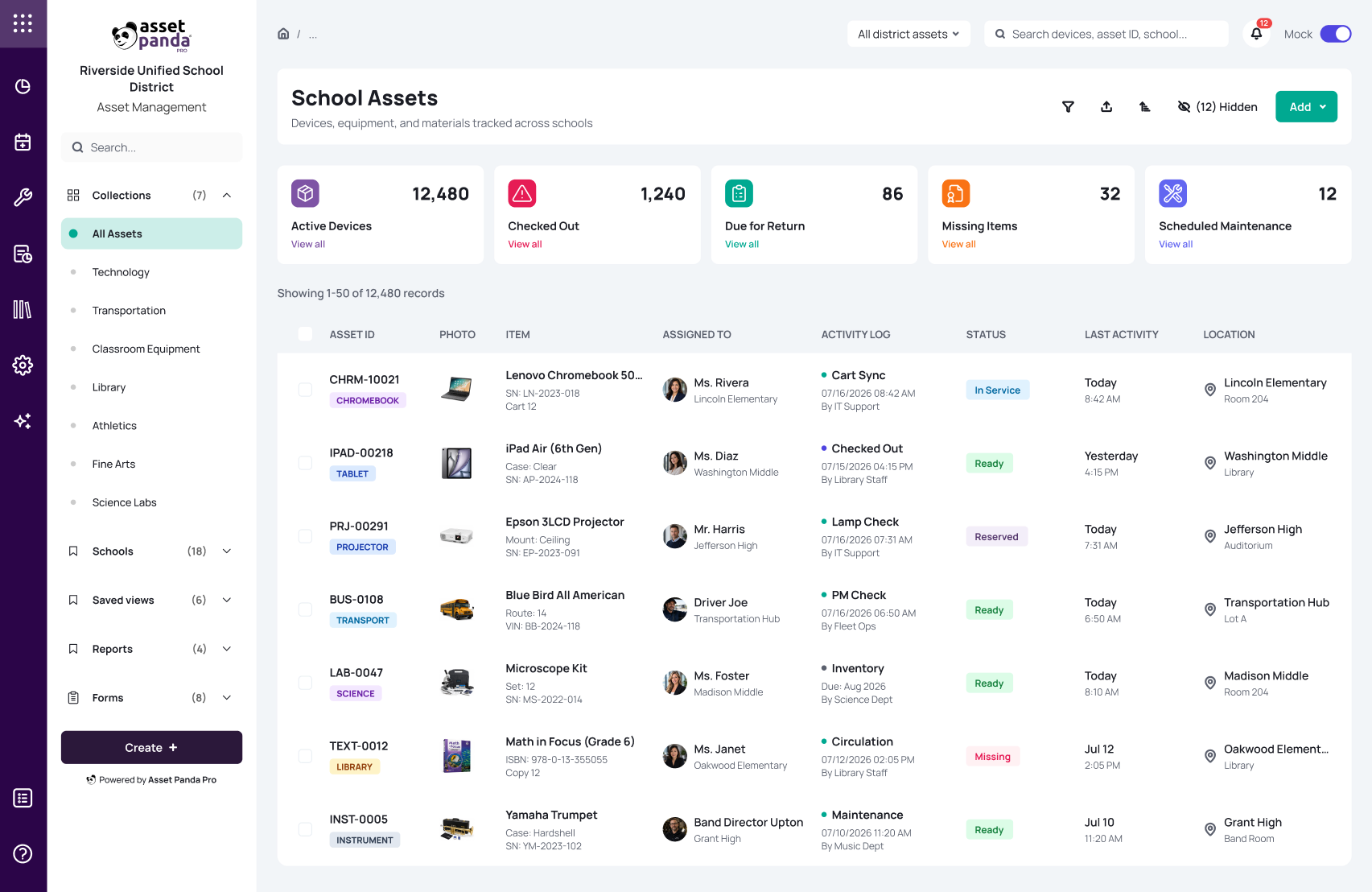
Asset Panda brings assignments, locations, repairs, funding, inspections, audits, inventory, and lifecycle history into a single system of record.
EDUCATION ASSET CONTROL
One answer for what you own, who has it, what needs attention, and whether you can prove it

Keep custody tied to the person and place
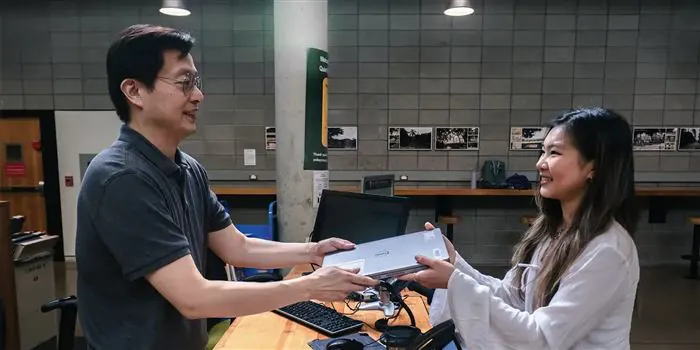
Assign assets to students, staff, rooms, labs, departments, or campuses and preserve checkout, return, and transfer history when equipment moves.
Explore Asset Management
Audit campuses without the clipboard scramble
Scan barcodes or QR codes by location, compare expected assets with what is found, identify missing items, and continue supported mobile workflows offline.
Explore Mobile Asset Auditing
Catch damage with AI-assisted inspections
Use mobile checklists and photos to document condition where the asset lives. AI-enhanced inspection workflows help teams move from findings to follow-up faster.
Explore Asset Inspection Software
Turn asset issues into owned work
Create repair tickets and work orders from web or mobile, assign an owner, attach the affected asset, and preserve repair history in the same record.
Explore Repair Tracking
Stop rebuying what you already own
Track age, utilization, purchase and funding details, depreciation, refresh dates, and retirement history so teams can plan replacements with better evidence.
Explore Lifecycle Management
See devices, equipment, and stock together
Track serialized assets and quantity-based inventory across classrooms, labs, CTE programs, facilities, and campuses using the fields and thresholds each type needs.
Explore Inventory ManagementPrepare for the moments when accountability matters most
Coordinate students, status, and critical information during an emergency.






POWERED BY THE ASSET PANDA INTELLIGENCE PLATFORM
Turn campus records into operational intelligence
Asset Panda connects assignments, inspections, audits, funding, inventory, and lifecycle history in one platform. Ursa AI helps education teams find records, map data faster, automate workflows, and surface missing information with less manual setup.
EXTEND THE SYSTEMS YOU ALREADY USE
Connect the asset record without replacing SIS, ERP, MDM, or ITSM
Asset Panda works alongside student information systems, directory tools, MDM, ERP and finance platforms, research administration, procurement, and help desk systems.



SECURITY AND ACCESS FOR EDUCATION OPERATIONS
Protect institutional data without fragmenting access

Security and access controls
SOC 2 Type II, encryption at rest and in transit, AWS hosting, data export, and role-based permissions support district- and campus-wide governance.
View Security Information
Keep governance evidence connected
Keep assignments, inspections, tickets, maintenance, funding details, documents, and time-stamped activity history tied to each asset.
Explore Compliance ManagementPROVEN ACROSS EDUCATION
Proof that speaks to deployment, audit readiness, and time saved

Creston Community School District gets 3 hours back per day
“I have a wealth of data right in the palm of my hands about all of our district’s assets. I can even scan an asset on the spot and see if it’s in our inventory or not. If it isn’t, then I can add it right in instantly…and Asset Panda will track its entire lifecycle moving forward.”
Read Success Story


The University of Connecticut improves asset coverage across the board
“We’ve been using Asset Panda to conduct a mobile audit and asset tracking over multiple locations… we save about an hour a day with the efficiencies Asset Panda delivers.”
Read Success Story





Frequently Asked Questions
Education asset management software centralizes devices, equipment, assignments, repairs, inspections, funding, audits, and lifecycle history across districts and campuses.
Yes. Configure Asset Panda across districts, colleges, departments, labs, and campuses, then use the dedicated K-12 or Higher Education product experience.
Yes. Document condition with mobile inspections, then create repair tickets or work orders tied to the asset so findings stay connected to follow-up.
No. Asset Panda works alongside SIS, MDM, ERP, and ITSM platforms, using imports, APIs, and integrations to keep asset history aligned.
Yes. Keep funding source, award details, cost, location, assignment, documents, and disposition tied to each asset.
Yes. Scan by location, flag missing or unexpected assets, and continue supported mobile workflows offline before syncing.
Asset Panda is SOC 2 Type II certified and GovRAMP Authorized, with encryption and role-based access controls that help protect asset data across districts, campuses, and departments.
Choose K-12 for district devices, repairs, textbooks, and year-end collection. Choose Higher Education for campus, lab, capital, research-funded, and departmental assets.
SEE ASSET PANDA IN YOUR EDUCATION ENVIRONMENT
See it configured around your campuses, assets, and workflows
We’ll show you how Asset Panda connects custody, tickets, audits, funding, and lifecycle history across your education environment.