
Maintenance Management Software
Discover Problems Before They Occur
Move from reactive tracking to proactive management by analyzing patterns and predicting costly failures
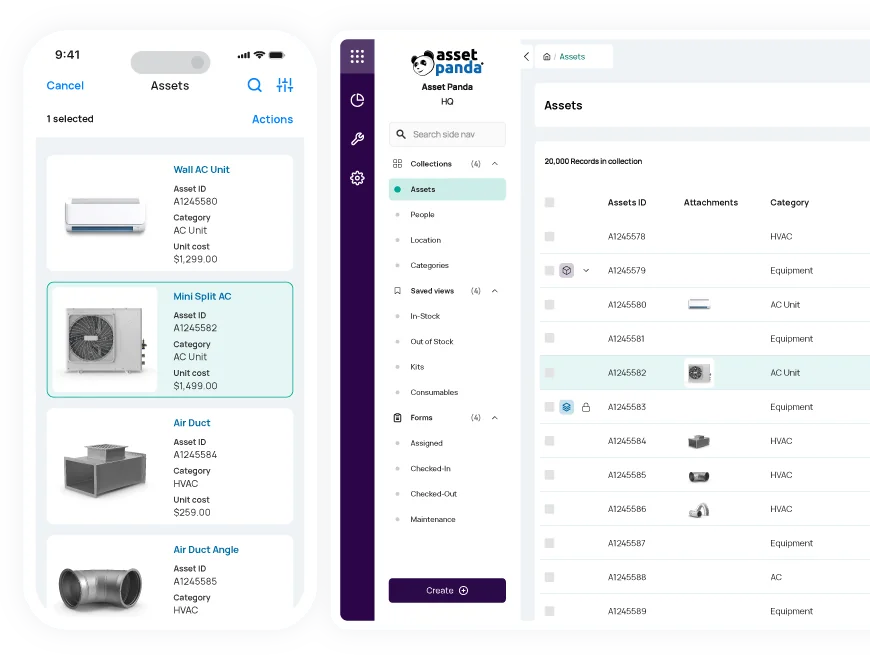

AI Enhanced
Improve your efficiency with the power of Asset Panda Intelligence.

Streamlined Work Orders
Easily create and assign work orders for increased efficiency.

Customizable Workflows
Configure the platform to match the way you already work.
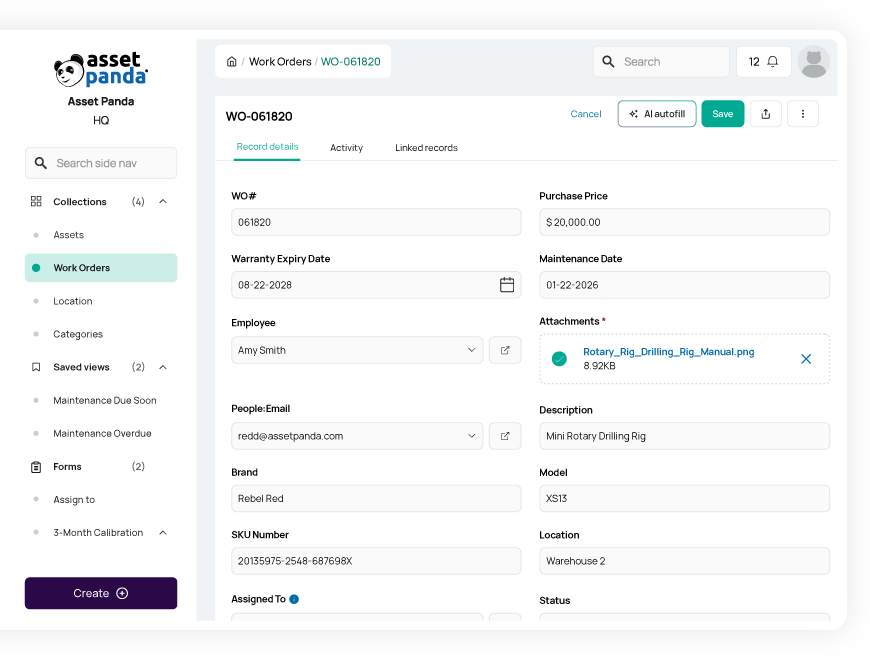
Easily manage maintenance schedules & work orders
Monitor and schedule preventive maintenance tasks and work orders in our computerized maintenance management system.
- Gain full visibility into upcoming maintenance dates
- Create and assign tasks to available team members
- Easily attach the right asset to the right work order
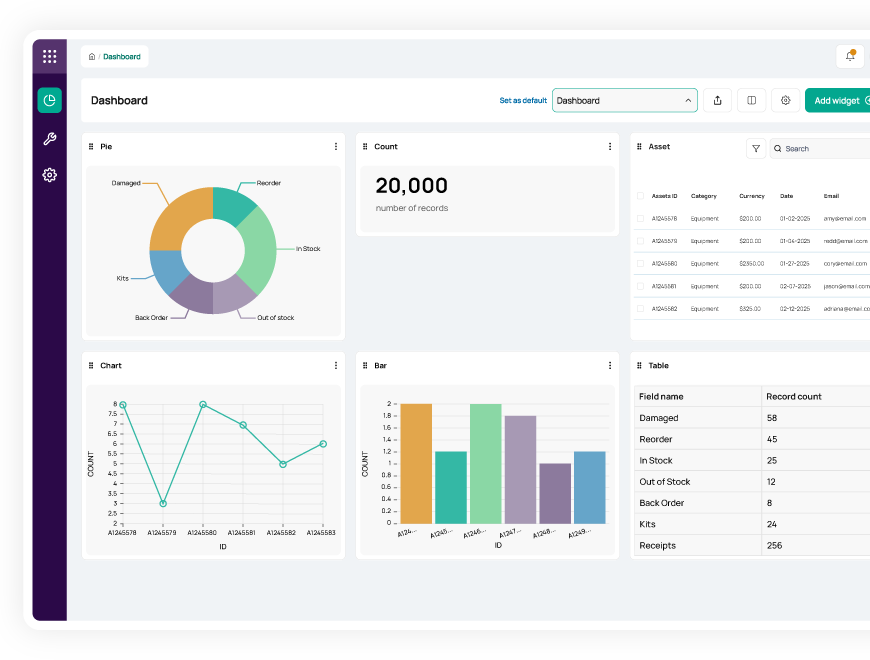
Reduce costs and downtime
Make more informed decisions with real-time CMMS monitoring and notifications
Gain the actionable insights you need to optimize productivity and prevent bottlenecks.
- Create real-time alerts for service requests or low inventory levels
- Track the metrics that matter most to you with custom reports and dashboards
- Set up automated reporting schedules so you never miss a beat
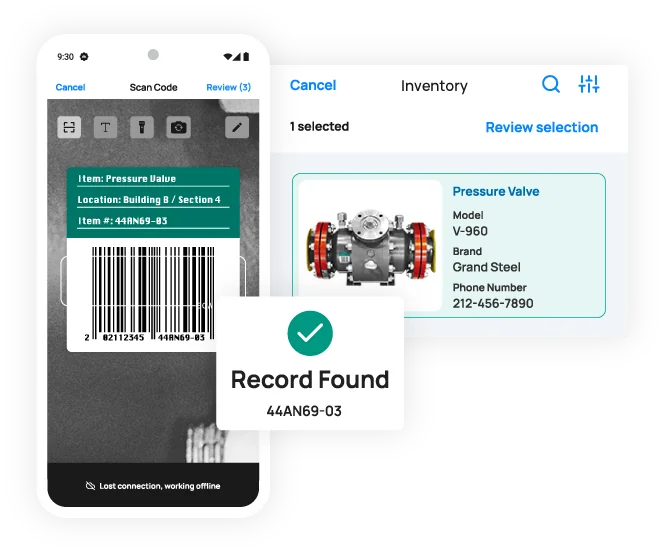
Boost efficiency with barcode scanning
Empower your employees to conduct workflows from anywhere (even when offline) using our mobile app with built-in barcode technology.
- Generate and print your own barcodes or QR codes directly in Asset Panda
- Scan barcodes instantly with your mobile device—no third-party scanners required
- Save time and improve data accuracy by reducing manual entry
Improve accountability and compliance
Manage your employees' progress and enhance compliance in our centralized CMMS software.
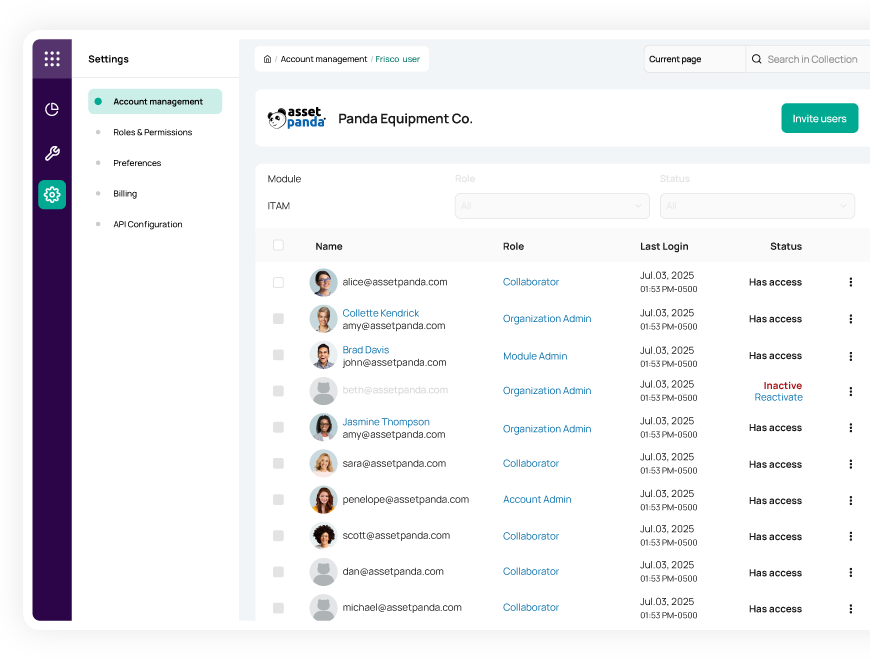
- Add your entire team to Asset Panda and assign custom user roles
- Keep track of each employee’s training progress to boost productivity and compliance
- Enforce processes and increase accountability with required photos or signatures for maintenance tasks
Useful features for maintenance management

Asset assignment

Barcode tracking

Multi-account structure

Full lifecycle history

Maintenance tracking

Asset inspection

Repair tracking

Signature capture

Asset kitting

Tool tracking

Record-level attachments

Contract management

Unlimited users

Automations

Robust reports

Action-based forms

Notifications

Custom fields

Field requirements

Asset listing view

iOS and Android Compatible

Offline mode

Full integration with web app

Built-in barcode scanning

GPS pindrop

Mobile actions

Reporting access

Quick asset addition

User specific views

Sortable columns

Global & faceted search

Mobile and web apps

Data import

Easy record replication
Unlimited users

Bulk asset reallocation

Amazon AWS hosting

TLS 1.2 Encryption

Robust roles and permissions

The Budd Group gives employees easy access to vehicle info
“Depending on their level of access, employees and managers can find everything they need about a vehicle in one place, from training to a location to a vehicle inspection history and maintenance needs.”
Dale Christensen
Operations Manager

Waste Initiatives recovers two hours a day in previously lost spreadsheet time
“I’d say we’ve recovered two hours a day with Asset Panda. Previously, we spent those two hours fighting against our spreadsheet system, trying to track down equipment, figure out whether it was time to service something...Now, these are all things that happen automatically...”
Dwayne Smith
Director

Allied Protection Services, Inc. has maintenance records at their fingertips
“I recently had what I’d call a “true Asset Panda moment.” The CEO asked for a report regarding our company vehicles. Thanks to Asset Panda, I was able to compile the report with the necessary data (which was up-to-date and in real time), print it and present it in less than five minutes!”
Daryl Jackson
Asset & Materials Coordinator

Covenant Testing Technologies ditches Excel forever
“It was hard to keep up with repairs and everything via Excel. We quickly discovered that Excel isn't “live” -- so we had to send the Excel spreadsheet to all employees so they could view asset data, that may not even be up-to-date.”
Johnathan Miller
Operations Coordinator
Related maintenance resources


Frequently Asked Questions
How does Asset Panda move us away from reactive maintenance to a proactive preventive maintenance schedule?
Asset Panda supports proactive preventive maintenance by using date fields and scheduled automations to notify technicians before maintenance is due. By tracking fields like “Next Service Date” or “Next Calibration Date,” you can configure daily scheduled automations that identify upcoming maintenance windows and automatically send reminders to the appropriate team members. This helps ensure maintenance is performed on time and reduces the likelihood of unexpected breakdowns.
How can Asset Panda help my organization track repair costs to lower our overall maintenance expense?
Asset Panda helps track maintenance costs by allowing you to record each repair as its own entry—typically in a dedicated Repairs collection—capturing details such as cost, date, vendor, and work performed. These repair records are linked to the asset, creating a full maintenance history. Using Saved Views and dashboards, you can sum repair costs over time and compare them to metrics like depreciation or book value. This visibility helps management identify equipment that is becoming too costly to maintain and make informed repair-or-replace decisions.
How do I track vehicle maintenance based on mileage and pre-determined service dates?
Asset Panda can support both date-based and mileage-based vehicle maintenance using fields and automations. You track scheduled service with a date field (such as “Next Service Date”) and a daily Scheduled Automation that finds vehicles approaching that date and sends notifications to the maintenance team. For mileage-based service, technicians update the odometer field through a form, and an automation with a Record Updated trigger can send an alert when the Odometer Reading meets or exceeds your defined threshold.
Can technicians add a new part or repair log directly from within the maintenance form without leaving the workflow?
Technicians cannot create new parts or repair log records directly from inside a maintenance form. However, Asset Panda does allow technicians to select existing parts or reference other records using Pull-From-Collection fields. Most organizations create dedicated forms for adding new parts or repair logs and then link those records to the asset or maintenance event. This keeps workflows organized while still allowing maintenance events to be associated with the correct parts and repair history.
Is there a way to require a daily safety inspection before a vehicle or critical equipment can be checked out for use?
Yes. While Asset Panda does not enforce a strict sequential workflow, you can require a daily safety inspection before allowing checkout by controlling asset Status and form availability. If an asset is marked “Needs Inspection,” the checkout form can be hidden or disabled based on that status. Technicians must first complete the inspection form—capturing signatures or photos—and automations can then update the Status to “Available” or to a repair status if the inspection fails. This ensures equipment cannot be checked out until it passes inspection.
How does the system record and secure the maintenance history to comply with warranty and safety regulations?
Asset Panda records all maintenance activity through its immutable Activity Stream, which logs who performed each update, when it occurred, and what changed. Detailed maintenance data—such as inspection results, calibration readings, signatures, and photos—is stored in the record’s Form Submission History. Together, these features create a secure, verifiable maintenance history that supports warranty compliance, safety documentation, and regulatory audits.
Learn more from a solution specialist
Schedule a demo to find out how you can transform your workflows with Asset Panda Pro
Contact our team at (888) 928-6112
