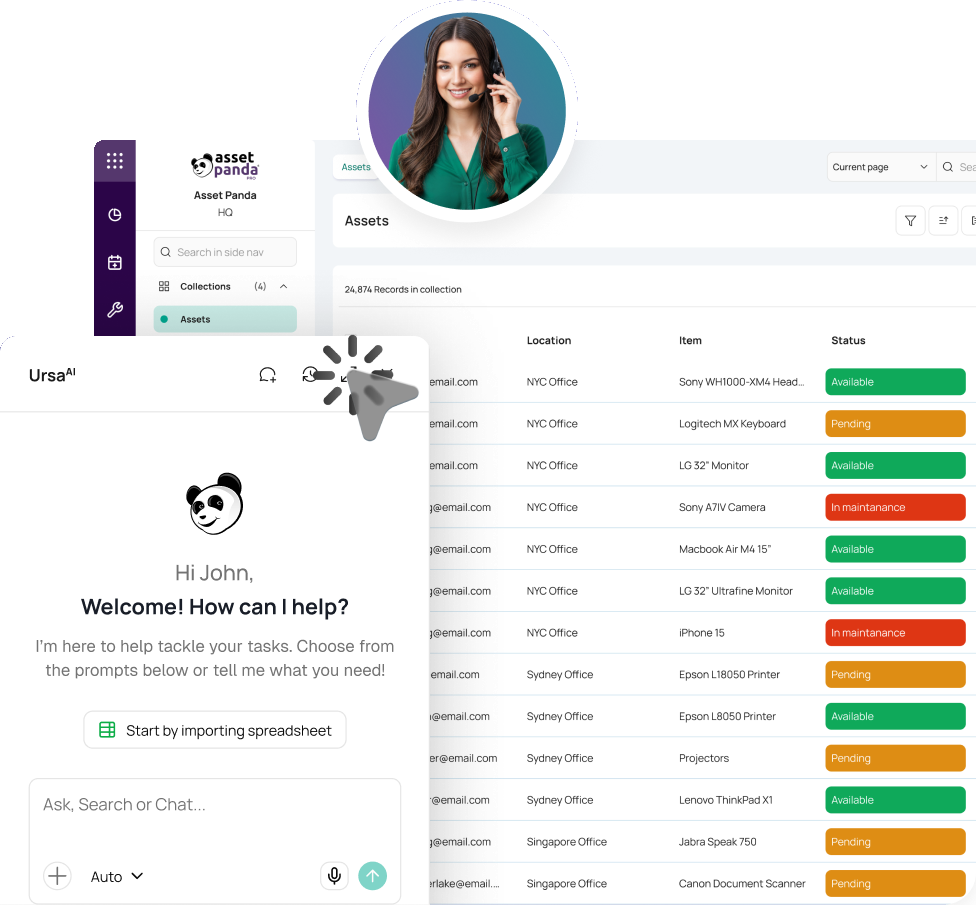


Prepare Sites and Roles
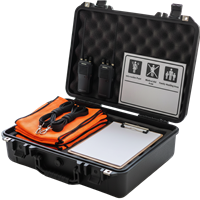
Set primary and alternate sites, team assignments, permissions, escalation paths, and required reunification kits.



Account for every student. Reunify with confidence.
In a school emergency, uncertainty costs time. Asset Panda helps law enforcement account for students, document status, verify guardians, and track every release.
Trusted by teams responsible for significant incident response and student safety.




When the plan meets the real world
School reunification software must keep every handoff clear once law enforcement, school staff, families, buses, responders, and records start moving.
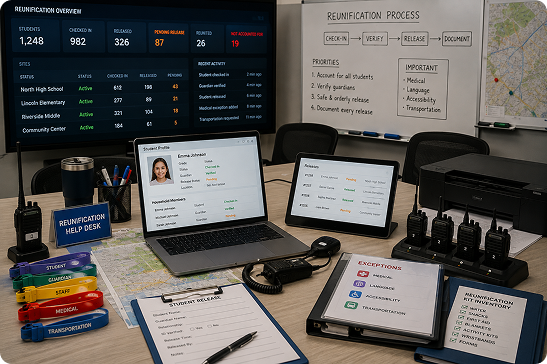 Exceptions slow reunification.
Release steps vary.
Student status is scattered.
Equipment is hard to track.
Exceptions slow reunification.
Release steps vary.
Student status is scattered.
Equipment is hard to track.

Asset Panda connects the people, sites, equipment, and records behind an agency-led reunification process without replacing incident command, the SIS, mass notification, or trained judgment.
From activation to improvement
Configure roles, permissions, required fields, and escalation paths around the process your agency and school partners have adopted and practiced.
Set primary and alternate sites, team assignments, permissions, escalation paths, and required reunification kits.
Import the roster provided by the school, reconcile arrivals, and record student or group movement from the impacted school to the reunification site.
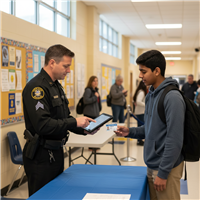
Record investigative status and handoffs, then guide school staff through approved identity and authorization steps before release.
Capture observations, open follow-up tickets, assign corrective actions, and track them to closure.
What Asset Panda adds
Route custody, ID, medical, accessibility, language, transportation, and unresolved-student exceptions without losing visibility.
Control who can view or update information while keeping activity and records connected throughout the response.
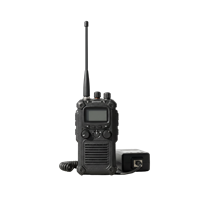
Track radios, vests, signage, printers, chargers, forms, AEDs, and other resources needed before an activation.
Explore Asset InspectionTurn observations and unresolved issues into assigned follow-up work after the incident or exercise.
Explore Compliance Management




Smarter readiness with Asset Intelligence
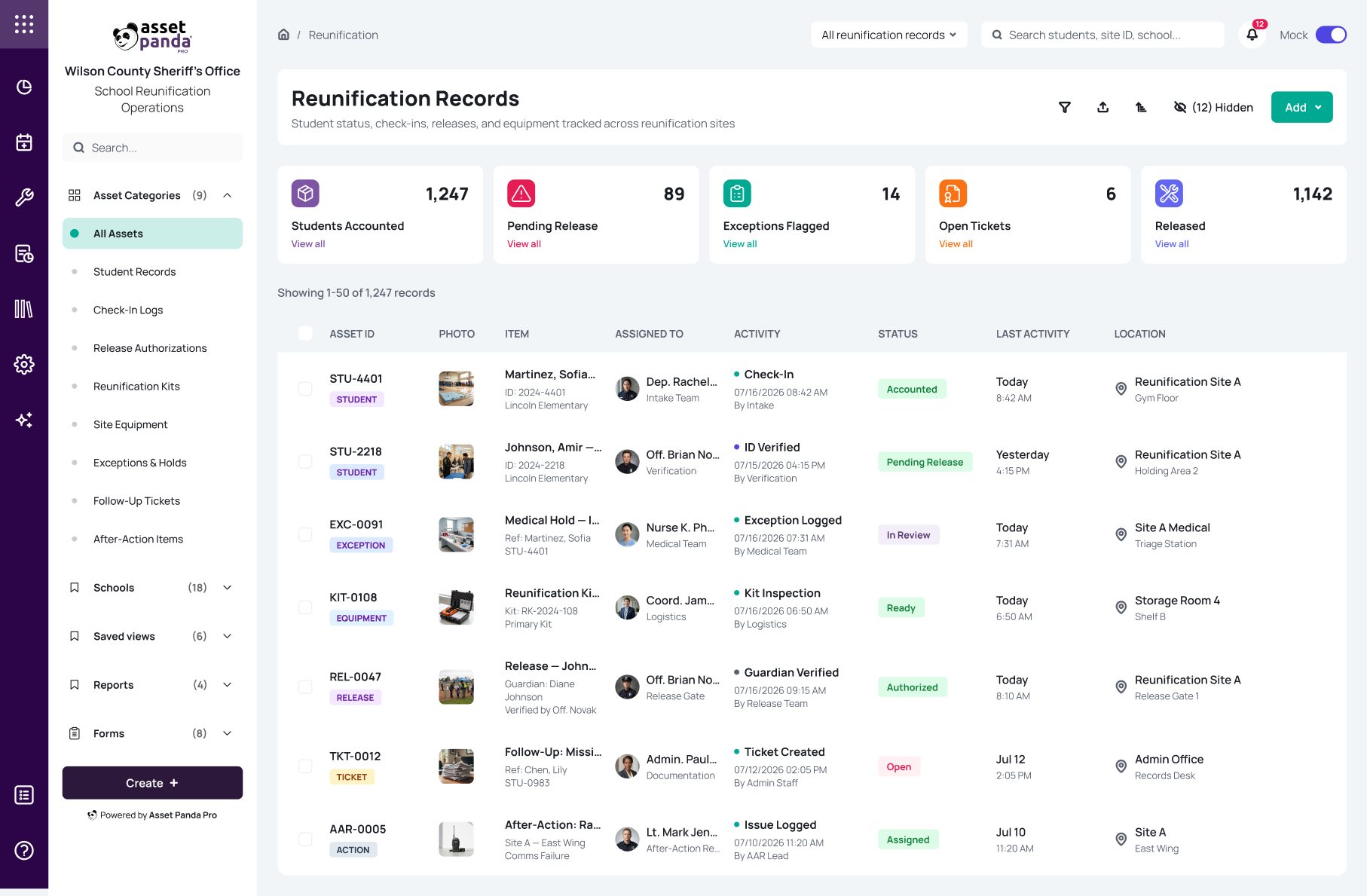
Powered by UrsaAI, Asset Panda’s Asset Intelligence Platform helps authorized agency and school teams quickly find reunification records, identify missing documentation, and track open issues across sites, workflows, and equipment.
 Dep. R. TorresIntake Team
Proven in a multi-agency school safety exercise
During a SMART exercise involving local and state law enforcement and emergency personnel, Wilson County used Asset Panda to support school emergency preparedness and track key steps throughout the reunification process.

“Through the Asset Panda platform, all portions of the reunification process are organized, logged and utilized during and after an event.”
Chris Andrews
Director, Technical Services Unit & Cybersecurity, Wilson County Sheriff’s Office








One platform. More than one use case.

Connect reunification with emergency equipment, inspections, drills, deployments, tickets, and after-action records.

Track devices, grant-funded inventory, equipment, assignments, and lifecycle records across campuses.

Manage generators, pumps, vehicles, barricades, field equipment, inspections, maintenance, and storm-response readiness.
School reunification software helps law enforcement and school teams account for students and manage investigative handoffs, check-in, verification, release, exceptions, and follow-up after a significant incident. Asset Panda keeps those configured steps and time-stamped records in one operational system.
Yes. Configure the roles, sites, fields, investigative steps, verification rules, release steps, permissions, escalations, dashboards, and reports around the method your agency and school partners have adopted and trained.
No. The SIS remains the student data source, notification tools send alerts, and incident command governs the response. Asset Panda connects the operational workflow, equipment, tickets, and evidence.
Agencies and districts decide which fields are used, what information is stored, who can view or update it, and how long records are retained. Role-based permissions can limit access by responsibility, agency, school, site, or workflow.
Yes. Test roles, sites, supplies, handoffs, and exceptions during exercises, then turn observations and AAR/IP actions into tickets before the next activation.
Supported mobile workflows can continue offline after relevant records are available on the device. Staff can scan kits, complete forms, inspect resources, and sync updates when connectivity returns.
Bring your current process
No generic software tour. We will map your agency and school roles, accountability steps, investigative handoffs, verification, releases, exceptions, equipment, permissions, and reporting.
Book a Demo