





SCHOOL ASSET MANAGEMENT SOFTWARE
Asset Panda for K-12
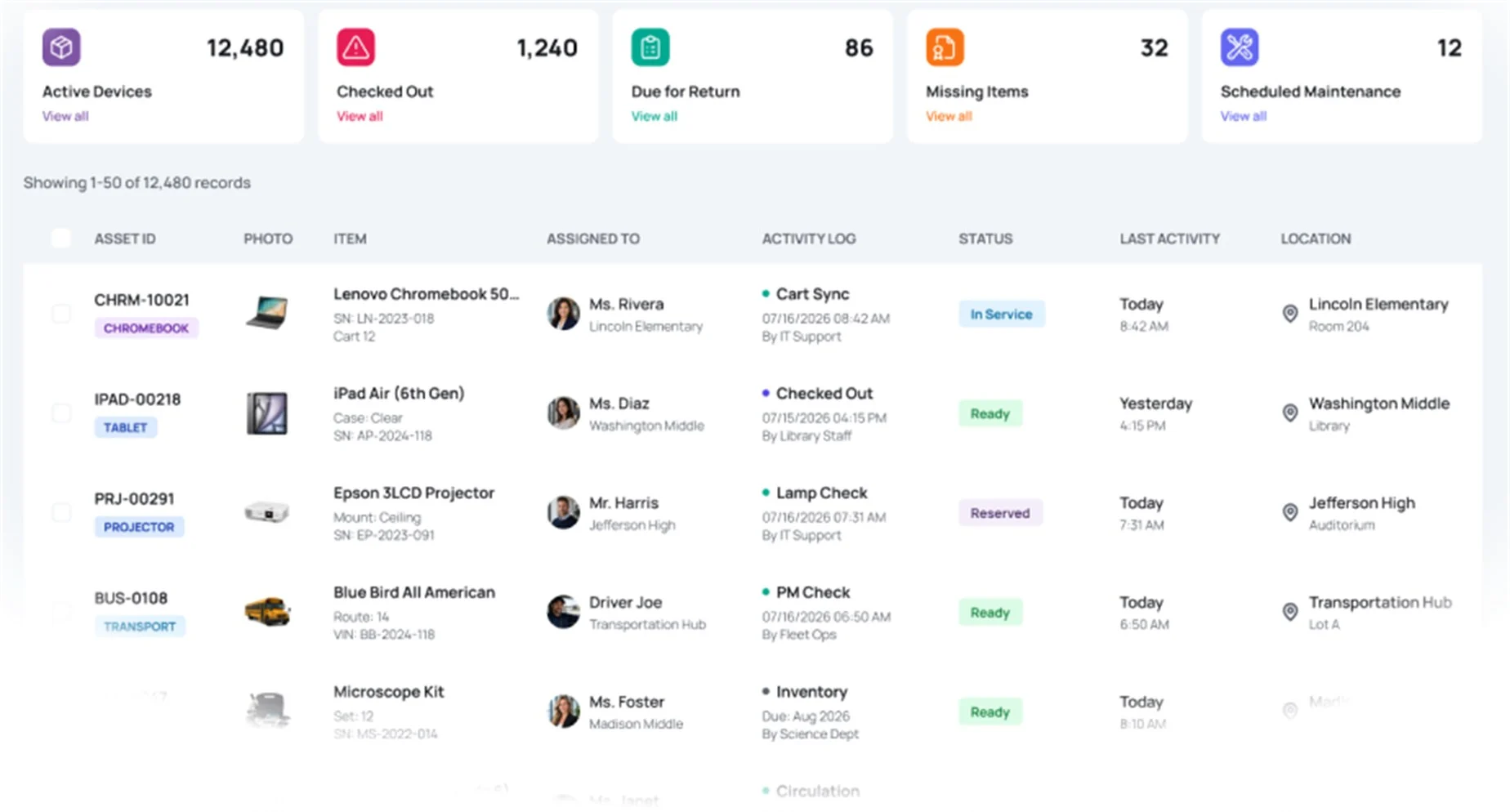
Know who has each device, what happened to it, and when it is due back. Manage assignments, tickets, repairs, textbooks, and grant-funded assets in one searchable district-wide record.



Trusted by school districts nationwide.


From start-of-year assignment to year-end collection
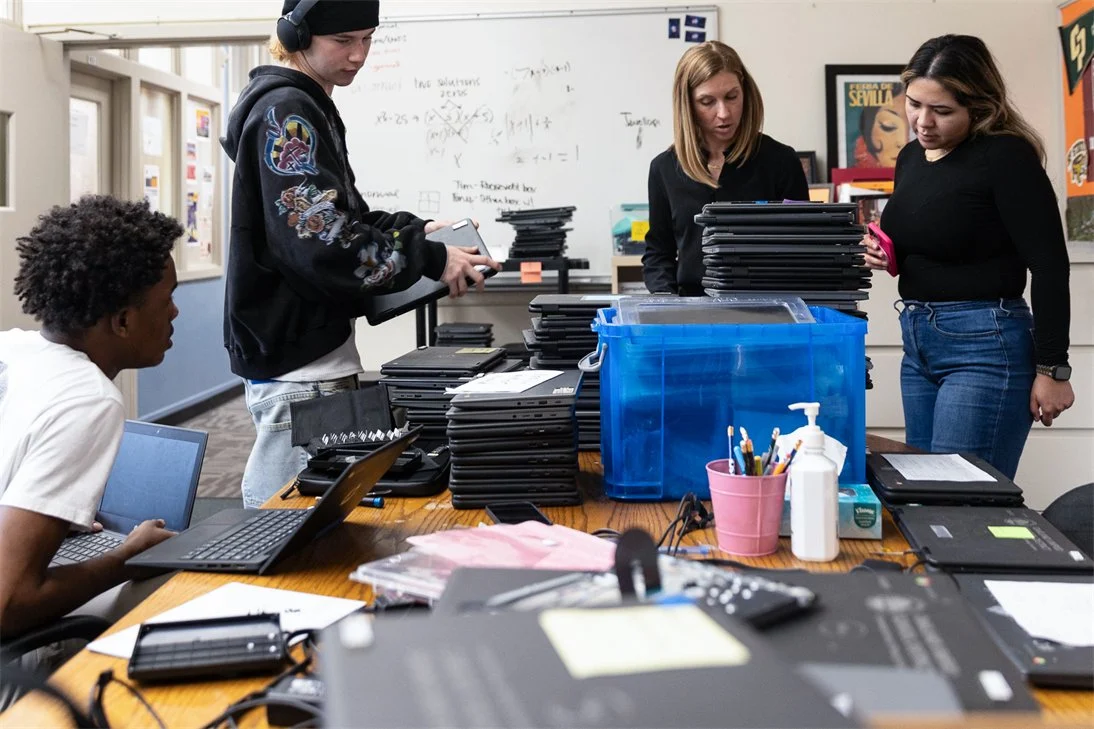
K-12 has outgrown informal device tracking
Many districts still manage devices, repairs, tickets, and year-end collection across spreadsheets, Google Workspace, disconnected systems, and a few people's memory.
That works until the roster changes or everything comes back at once.
Roster changes break assignments
Damage and loaners live elsewhere
Carts come up short
Storage rooms hide unused devices
Students leave before returns
Retired assets stay on the list
Asset Panda replaces scattered records with school asset tracking software that keeps assignments, damage, returns, and lifecycle history in one place.

Documented control, less chasing.
Log assignments, damage, returns, and sign-offs where the work happens.
The Solution
Built around how school districts actually work
Every device assigned and accounted for
- Scan to assign devices to students, staff, carts, rooms, or campuses.
- Sync students and staff from Google Workspace so assignments follow roster changes.
- Search by asset tag, serial number, or borrower name to see current custody instantly.
- View full assignment history across every school in the district from a single record.
Tickets, repairs, loaners, and fees stay with the device
- Create and route tickets for damage, loss, repairs, or service requests.
- Link each ticket to the device, borrower, campus, and loaner.
- Keep photos, fees, repair costs, notes, and resolutions with the record.
- Use Global Search to find devices, tickets, borrowers, and repair history.
Know what is missing before students leave
- Scan a classroom or cart and get a variance report.
- Check in a class from a shared tablet.
- Flag graduating and transferring students before departure.
- Work offline during collection and sync when connected.
Track more than Chromebooks
- Manage laptops, tablets, panels, textbooks, CTE equipment, network gear, and furniture.
- Track specialty and adaptive equipment alongside standard IT devices, a common need for schools serving students with learning disabilities or autism.
- Track instruments and other program assets that move between classrooms and locations.
- Track serialized devices and quantity-counted materials side by side.
- Import current spreadsheets without re-keying data.
- Keep one history for each asset from receipt through disposal.
Plan refresh cycles and defend funding
- Track warranty, refresh, and replacement dates with alerts so refresh cycles are planned, not reactive.
- Remove retired, disposed, and surplus assets from active counts.
- Report by campus, department, funding source, or award year.
- Keep E-Rate, ESSER, bond, Perkins, and other funding details tied to the asset record.
- Run an annual export for county office of education reporting or charter oversight requirements without rebuilding the data each year.

Built on the Asset Panda intelligence platform
Configurable to your district, not the other way around.
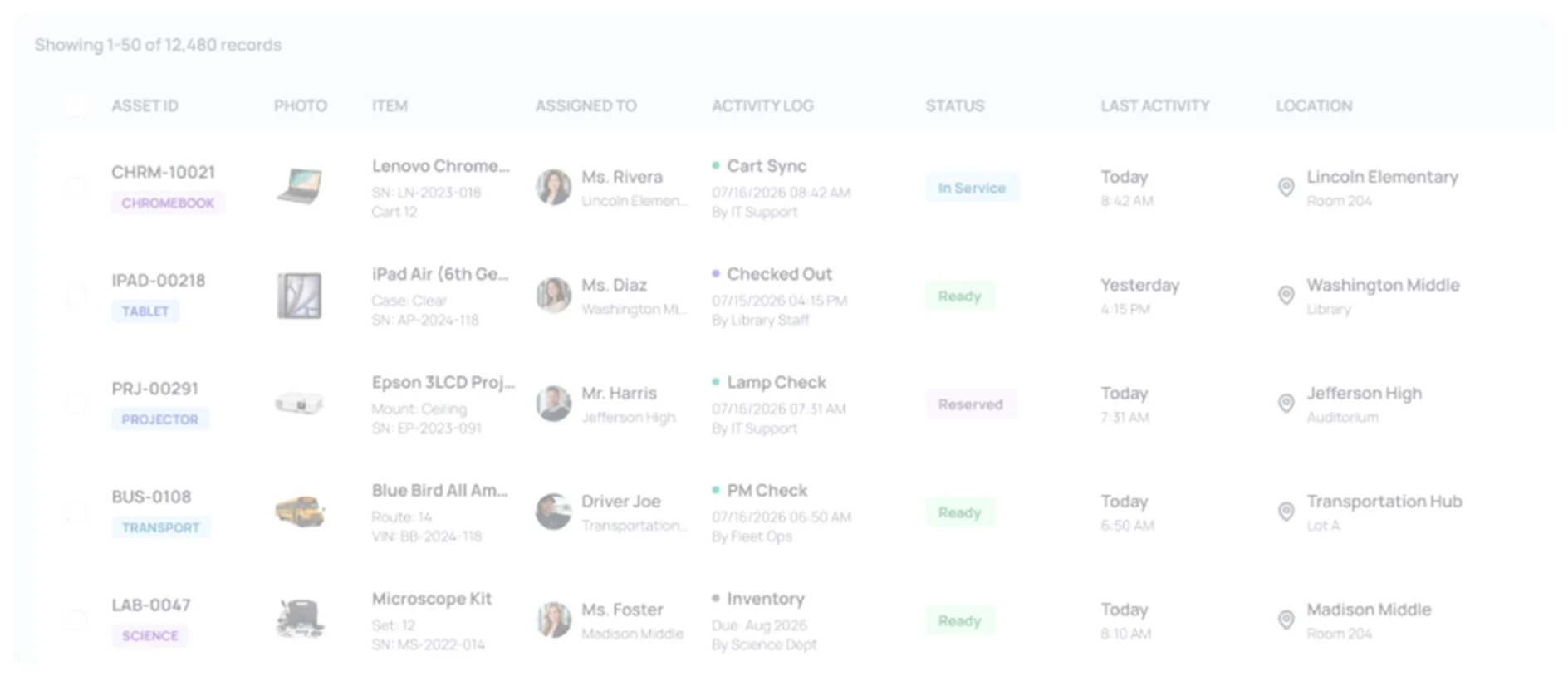







K-12 asset intelligence in one system
Global Search helps authorized users find devices, tickets, borrowers, campuses, and repair history from one place. UrsaAI helps surface missing assignments and upcoming refresh dates and prepare reports from the data your team already captures.
Proven across K-12 education
Trusted by School Districts of All Sizes
School districts use Asset Panda to replace spreadsheets with one configurable record for devices, instructional materials, assignments, and lifecycle history.

Deploy and collect more than 1,000 devices
With Asset Panda’s built-in barcode scanner, we can easily scan each laptop as it is assigned to every student.
Read Success Story





Awards and recognition


K-12 Asset Management FAQ
What is school asset management software?
Asset Panda for K-12 centralizes student devices, classroom technology, textbooks, assignments, repairs, collections, funding records, and lifecycle history across campuses.
What can a school district track besides Chromebooks?
Asset management software for schools should support laptops, tablets, interactive panels, textbooks, CTE equipment, network gear, furniture, and other district assets.
How does Asset Panda support year-end device collection?
Scan classrooms or carts, compare expected and present inventory, flag graduating or transferring students, and update device status as items are returned.
Can school districts manage tickets and devices in one system?
Yes. Asset Panda connects support tickets to device records, borrowers, repairs, loaners, and status history, so technicians can manage the issue and the asset without reconciling separate systems.
Does Asset Panda work with Google Workspace and our SIS?
Yes. Students and staff can sync from Google Workspace, while imports, exports, and API workflows help keep Asset Panda aligned with your SIS and help desk.
Is our student and device data secure, and who owns it?
Your data remains yours. Asset Panda uses role-based access, encryption at rest and in transit, and export controls to protect district records.
Can we scan existing barcodes and textbook ISBNs?
Yes. Scan existing barcodes, QR codes, manufacturer serials, and textbook ISBNs from a phone or tablet. Asset tags and serial numbers remain searchable.
Does Asset Panda work without a signal?
Yes. Techs can download assigned records, scan and update assets offline, and sync automatically after reconnecting.
Can we track devices bought with E-Rate, ESSER, bonds, or other grants?
Yes. Keep purchase date, funding source, award year, location, condition, assignment, and disposition history tied to each asset for funding-specific reports.
How do we import our inventory and roll out Asset Panda?
Import existing spreadsheets and keep your current structure. An implementation specialist helps configure campuses, workflows, reports, and training, with rollout phased by campus if needed.
SEE ASSET PANDA IN YOUR DISTRICT
See how Asset Panda fits your district
No generic software tour. We will show the platform around your campuses, devices, roster changes, year-end collection, and reporting needs.