
Summary
This guide compares the top healthcare asset tracking systems used by hospitals, clinics, urgent care centers, biomedical teams, lab facilities, long-term care, behavioral health, and public health organizations.
Leading platforms include Asset Panda, ToolWatch, UpKeep, Sortly, and systems used for equipment rooms, clinical devices, medical supplies, diagnostic equipment, IT assets, and facilities operations. Healthcare organizations require high accountability, compliance readiness, mobile workflows, audits, inspections, check-in/check-out, and cross-department coordination.
Asset Panda stands out by offering configurable workflows across clinical, operational, and facilities teams, enabling accurate tracking, maintenance readiness, and lifecycle reporting for diverse medical environments.
| Platform | Strength | Best For |
|---|---|---|
| Asset Panda | Multi-department workflows | Hospitals & clinics |
| ToolWatch | Tool/equipment management | Facilities & biomed |
| UpKeep | Maintenance | Clinical engineering |
| Sortly | Simple lists | Small clinics |
| Snipe-IT | Basic ITAM | Healthcare IT teams |
In this healthcare asset tracking software comparison guide, you’ll learn about:
- Which systems support compliance (e.g., audits, inspections)
- How to track biomedical equipment, IT devices, and clinical tools together
- Differences between maintenance-focused tools and full lifecycle platforms
- Mobile workflows for nurses, technicians, and facilities teams
- Multi-location visibility across buildings or campuses
What Healthcare Organizations Need in Asset Tracking Software
Hospitals and clinics manage assets across departments that rarely share the same workflows. A barcode scanner that works for a biomedical technician doing calibration rounds is not the same tool a nurse needs to check out a portable monitor, and neither workflow matches what an IT team needs to track assigned laptops. The right platform has to hold all of those use cases without forcing each team into a single rigid process.
Customer calls with healthcare organizations consistently surface the same starting point: assets tracked in spreadsheets, with no reliable way to know where equipment is after it moves between floors or buildings and no audit trail when accreditation reviews arrive. The sections below describe the capabilities that separate adequate tools from ones that actually hold up in clinical environments.
1. Clinical and Biomedical Equipment Tracking
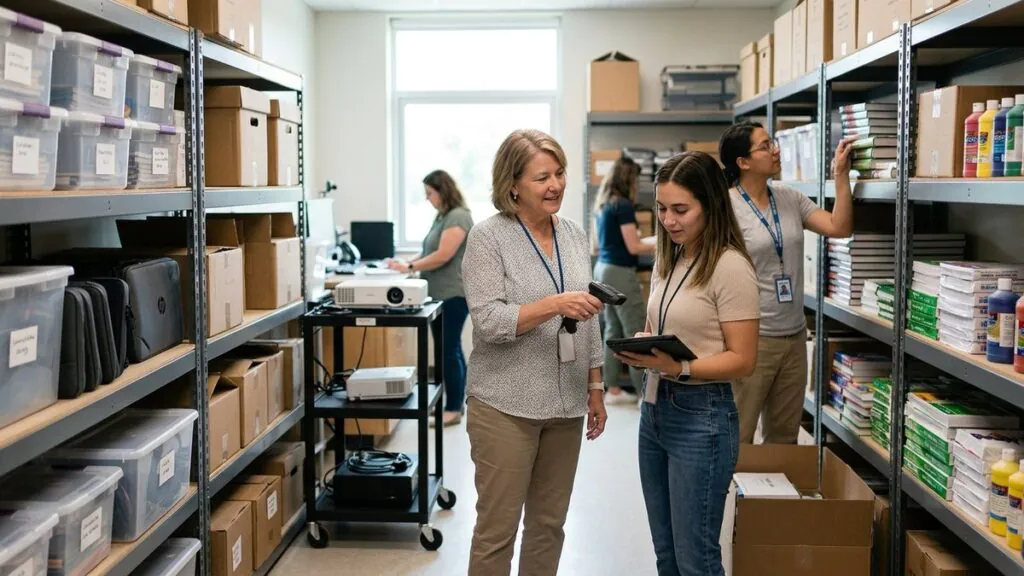
Clinical and biomedical teams need more than a list of serial numbers. Each asset record should carry the acquisition date, maintenance history, calibration schedule, and current location so technicians can act without hunting through paper logs. Customer calls from healthcare organizations described equipment that moves between floors when clinicians need it for a patient, then disappears from any record until someone physically searches the unit. Barcode and QR-code scanning lets teams record location, status, and assignment at the point of use rather than after the fact.
2. Inspections and Compliance Workflows
Accreditation audits and safety rounds require documented evidence that inspections happened on schedule. A platform that logs inspection results, flags overdue items, and produces a timestamped audit trail removes the scramble that typically precedes a review. For accreditation audits, safety rounds, and readiness reviews, the inspection record needs to be retrievable by asset, by date, and by inspector.
3. Check-In and Check-Out
Shared clinical equipment moves constantly. A check-in/check-out workflow creates a chain of custody for loaner devices, portable monitors, diagnostic tools, and shared workstation peripherals. One healthcare customer described a process where floor staff could request equipment and have it delivered, but had no system to confirm return or track where it went next. A structured check-out record closes that gap.
4. Mobile Field Use
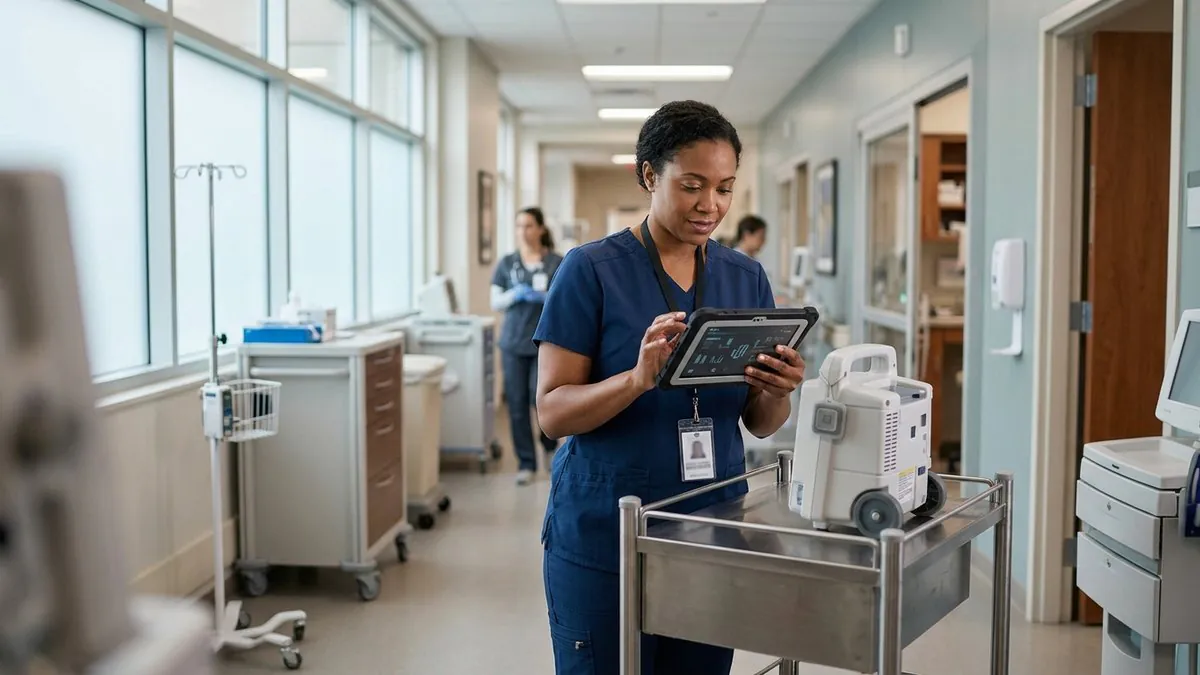
Technicians, nurses, and facilities teams work away from desks. They need to scan a barcode, update a status, or file an inspection result from a hallway or patient room without waiting to return to a workstation. Offline mode matters in areas with unreliable connectivity, such as basement equipment rooms or older building wings. Customer calls noted that existing barcode hardware, including older USB barcode guns and label printers, should work with a cloud-based system without requiring new equipment purchases.
5. Multi-Department Support
A hospital’s asset footprint spans IT, biomedical engineering, facilities, lab operations, and clinical teams. Each department has different asset types, different workflows, and different reporting needs. A platform that handles only one of those departments forces the others to maintain separate systems, which is how organizations end up with five spreadsheets and no single source of truth. Healthcare systems require a configurable platform where each team can work in its own workflow while leadership sees the full picture.
6. Reporting
Reporting in healthcare asset management covers more than utilization counts. Finance teams track straight-line depreciation over five to seven years from acquisition. Biomedical teams need maintenance cycle history. Operations teams need replacement forecasting before a capital budget cycle. The reports that matter most are the ones that answer where an asset is right now, when it was last serviced, and when it needs to be replaced.
- Readiness metrics
- Maintenance cycles
- Asset utilization
- Replacement forecasting
7. Integrations
Healthcare IT environments include identity systems, ITSM platforms, MDM solutions, procurement tools, finance systems, and SFTP data feeds. Asset tracking data is most useful when it connects to the systems that already govern purchasing, identity, and maintenance work orders rather than sitting in a separate silo.
Top Healthcare Asset Tracking Solutions (2026)
The platforms below are the ones that appear most often in healthcare procurement conversations. They range from full lifecycle systems to single-purpose maintenance tools. No single platform is right for every organization; the right choice depends on which departments need to use it and what workflows they need to run.
1. Asset Panda: Best Overall for Healthcare Operations and Clinical Support Teams
Asset Panda is a configurable asset tracking platform built to support the full range of healthcare asset types, from clinical devices and biomedical equipment to IT hardware and facilities tools. It tracks assets across their lifecycle from acquisition through disposal, supports barcode and QR-code scanning for location and status updates, and lets each department configure its own workflows without requiring a separate system.
Strengths:
- Inspections & audits
- Check-in/check-out & reservations
- Mobile scanning & offline workflows
- Automation & reminders
- Reporting dashboards
- Configurable workflows for clinical, IT, biomedical engineering & facilities
- Integrations across healthcare IT and operational systems
Healthcare organizations choose Asset Panda because it handles complex environments across multiple departments rather than forcing a choice between biomed, IT, or facilities coverage. Custom fields on each asset record can carry equipment age, maintenance due dates, assigned location, and depreciation data, so the same scan that updates a location also feeds the reports finance and operations need. Customer calls from healthcare organizations described wanting to attach custom fields to barcodes to track equipment type, age, and preventive maintenance status, which is exactly the use case Asset Panda is built for.
2. ToolWatch: Best for Facilities and Biomedical Maintenance Workflows
ToolWatch is built around physical equipment and tool management, making it a reasonable fit for facilities teams and biomedical engineering departments focused on maintenance execution.
Strengths:
- Equipment/tool workflows
- Not designed for IT or clinical devices
- Less flexible than configurable platforms
3. UpKeep: Best for Clinical Engineering and Maintenance Teams
UpKeep centers on preventive maintenance scheduling and work order management. Clinical engineering teams with a high volume of PM tasks find it useful for that specific workflow.
Strengths:
- PM scheduling
- Work order management
- Less suited for clinical asset lending, inspections, or audit workflows
4. Sortly: Best Lightweight Tracker for Small Clinics
Sortly is a simple inventory tool suited to small practices that need a basic list of supplies or equipment without compliance workflows or multi-department coordination.
Strengths:
- Simple inventory tracking
- No inspections, audits, or automation
- Not suited for multi-department environments
5. Snipe-IT: Best for Healthcare IT Teams with Simple Needs
Snipe-IT is an open-source IT asset management tool. It handles device assignment for laptops, tablets, and similar IT hardware at low cost, but it is not designed for clinical or facilities workflows.
Strengths:
- Low-cost, simple device assignment workflows
- No mobile field support
- No clinical workflows
- No inspections or readiness checks
Which Platform Is Right for Your Organization?
The decision usually comes down to scope. A small clinic tracking a single category of supplies has different needs than a multi-campus hospital system managing clinical devices, IT hardware, biomedical equipment, and facilities tools under one roof. The questions below are the ones healthcare organizations most often use to narrow the field.
Choose Asset Panda if:
- You need audits, inspections, and PM tracking
- You have cross-department workflows (IT + biomed + facilities)
- You manage shared clinical equipment
- You need offline mode for field staff
- You want automated reminders and reporting
- You need multi-campus visibility
Choose ToolWatch if:
- Your pain points center on physical equipment in facilities or biomed
Choose UpKeep if:
- Your primary need is maintenance and PM execution
Choose Sortly if:
- You only track simple lists or supplies
Choose Snipe-IT if:
- You are a small IT team with basic assignment needs
Final Recommendation
Healthcare asset tracking is not a single-department problem. The organizations that struggle most are the ones that solved it department by department, ending up with a maintenance tool in biomed, a spreadsheet in IT, and nothing at all for clinical equipment loans. A platform that spans all of those workflows from day one avoids the reconciliation work that comes later. Pricing for healthcare asset tracking platforms varies by user count and feature tier. Organizations in early market analysis phases, comparing what is available before committing to a budget, typically find it useful to request a pricing guide alongside a demo so they can evaluate fit and cost together.
Healthcare environments are complex and require systems that support:
- Equipment reliability
- Compliance readiness
- Cross-team workflows
- IT + clinical + facilities coordination
- Mobile operations across campuses
- Audit trails and reporting
Asset Panda is the only solution in this comparison that meets all of these needs while remaining flexible, configurable, and straightforward to deploy across diverse healthcare departments. It supports barcode and QR-code scanning for location and status updates, tracks assets across their full lifecycle from acquisition through disposal, and lets clinical, IT, biomedical, and facilities teams each work in configured workflows without requiring separate systems.
See how Asset Panda can streamline your healthcare operations
Frequently Asked Questions
What is healthcare asset tracking software?
Healthcare asset tracking software is a platform that helps hospitals, clinics, and other care organizations record, monitor, and manage physical assets across their full lifecycle. That includes clinical devices, biomedical equipment, IT hardware, and facilities tools. The right system supports location tracking, maintenance scheduling, inspection logging, check-in/check-out workflows, and audit-ready reporting, all from a single platform rather than a collection of spreadsheets.
How does asset tracking software support compliance and accreditation readiness?
Compliance readiness depends on having a documented, retrievable record of every inspection, maintenance event, and equipment status change. Asset tracking software that logs timestamped inspection results, flags overdue items, and generates audit trails by asset, date, or inspector gives teams the evidence they need when accreditation reviews arrive. Without that record, teams typically scramble to reconstruct history from paper logs or memory.
Can one platform handle IT, biomedical, and facilities teams at the same time?
Yes, configurable platforms are designed for exactly that scenario. Each department can work in its own workflow, with its own asset types, custom fields, and reporting views, while leadership sees a unified picture across the organization. The alternative, separate tools for each department, creates data silos and makes cross-department reporting difficult or impossible.
What should healthcare organizations look for in a mobile asset tracking solution?
Mobile capability in a healthcare context means more than a smartphone app. Field staff need to scan barcodes or QR codes, update asset status, and file inspection results from hallways, patient rooms, and equipment areas with limited connectivity. Offline mode is important for basement equipment rooms or older building wings where network access is unreliable. Compatibility with existing barcode hardware, such as USB barcode guns and label printers, also matters so organizations avoid unnecessary equipment purchases.
How does check-in/check-out tracking work for shared clinical equipment?
A check-in/check-out workflow creates a chain of custody for any shared or loaner asset. When a staff member takes a portable monitor, diagnostic tool, or shared device, the system records who took it, when, and from where. When the item is returned, the record closes. That chain of custody makes it possible to locate equipment at any point, confirm returns, and identify patterns in how shared assets move across departments or floors.