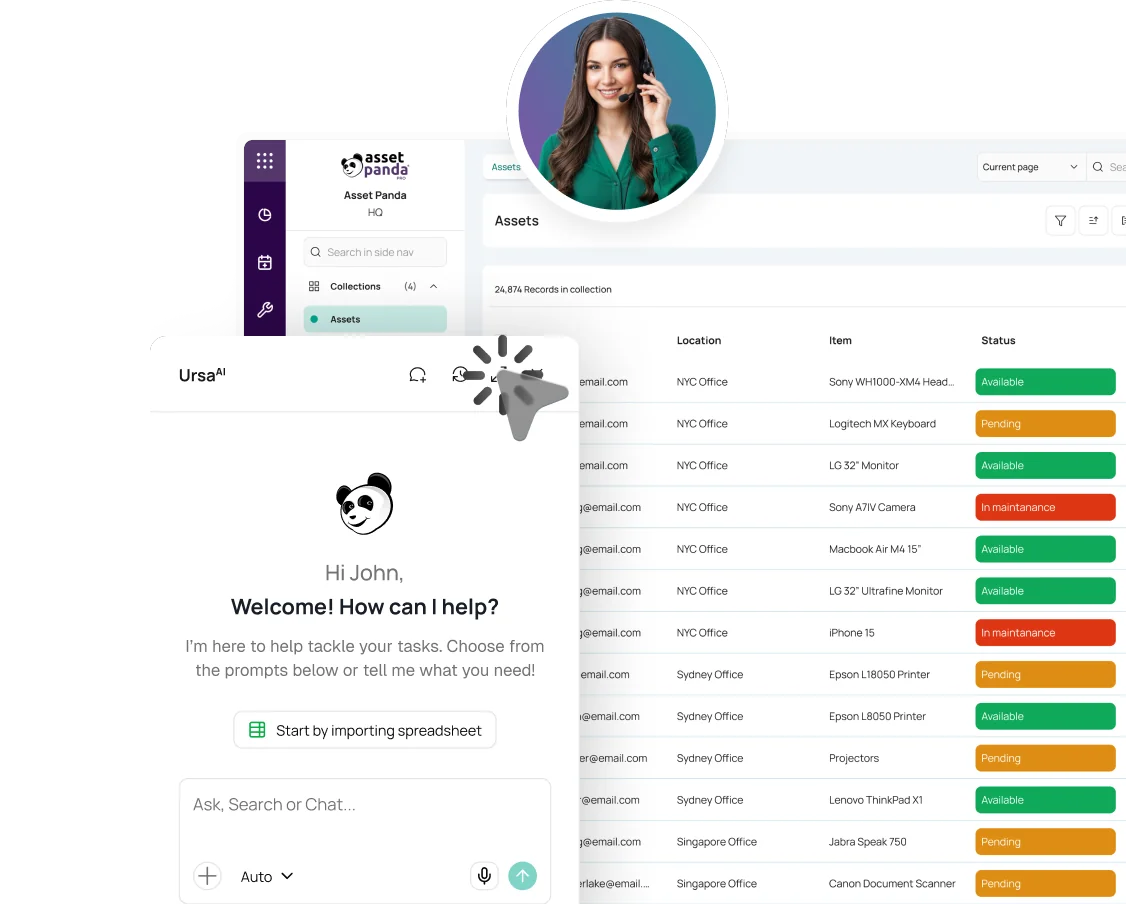
Integrations
Xero + Asset Panda Pro
Post depreciation journals from Asset Panda Pro to Xero without retyping entries. Create draft fixed asset records using a separate mapping, too.


Key benefits
-
Spend less time entering journals
Send depreciation amounts and dates to Xero as manual journal entries rather than rebuilding journal lines from exported schedules.
-
Group journals around your workflow
Post one journal for a collection, one per asset record, or grouped entries based on fields such as Department, Location or Category.
-
Create draft assets without duplicate entry
Create draft fixed asset records in Xero from mapped Asset Panda Pro data. The integration stores each returned Xero asset ID to avoid creating the same record again.
What data and workflows are supported?
Both workflows send data one way, from Asset Panda Pro to Xero. You can configure them independently.
| Workflow | Direction | Supported result |
|---|---|---|
| Depreciation journals | Asset Panda Pro to Xero | Depreciation date and amount, mapped debit and credit accounts, narration, and grouping. Produces balanced Posted manual journals. |
| Draft fixed assets | Asset Panda Pro to Xero | Asset number and asset name mapped to new draft fixed asset records. Existing Xero assets are not updated. |
How the Xero integration works
-
Create your Xero app
Create a web app in the Xero Developer Portal and obtain its Client ID and Client Secret.
-
Authorize the connection
In Asset Panda Pro, find Xero in the Integrations Store, enter the credentials, authorize access to your Xero organization, and test the connection.
-
Configure your mapping
For journals, choose the collection with depreciation values, select debit and credit accounts from your Xero Chart of Accounts, and set grouping and narration. For draft fixed assets, map an asset number and name.
-
Run the sync
Run the depreciation sync manually or on a configured schedule to post balanced journal entries in Xero. Ensure each accounting period is processed only once to avoid duplicates. You can also use a separate mapping to create draft fixed asset records.
Requirements
- Asset Panda Pro and Xero accounts with access to set up the integration.
- A Xero Developer web app with a Client ID and Client Secret.
- An authorized connection to the appropriate Xero organization.
- An Asset Panda Pro collection with depreciation data and Xero debit and credit accounts for journal mapping.
- An asset number unique identifier and asset name for draft fixed asset mapping.
Frequently asked questions
Does the Xero integration post depreciation journals automatically?
Depreciation journals post when the sync runs, either manually or on a configured schedule. To avoid duplicate entries, ensure each accounting period is processed only once. Running the sync again for the same period can create duplicate journals in Xero.
What happens if I run the same period twice?
Running the same period again can create duplicate manual journals in Xero. Review what has already been posted before repeating a run.
Can I choose how journals are grouped?
Yes. Create one journal per collection, one per record, or a journal for each group based on a selected field such as Department, Location or Category.
Can I create draft fixed assets without posting journals?
Yes. Depreciation journal posting and fixed asset creation are separate mappings. Use either one or both.
Does the Xero integration sync data in both directions?
No. It sends supported data from Asset Panda Pro to Xero. Changes made in Xero are not synchronized back to Asset Panda Pro through this integration.
Will later changes in Asset Panda Pro update fixed assets in Xero?
No. The integration creates draft fixed asset records and stores the returned Xero asset ID so the same record is not recreated. It does not update existing Xero fixed assets.
Are draft fixed assets depreciated automatically in Xero?
No. The integration creates draft fixed asset records in Xero without depreciation fields. If you later register these assets in Xero and depreciate them there, make sure you do not also post depreciation journals from Asset Panda Pro for the same assets and accounting period. Doing both can result in depreciation being recorded twice.
About Xero
Xero is cloud accounting software for managing financial records, including manual journals and fixed assets. Connecting it with Asset Panda Pro helps teams move depreciation entries and draft asset details into their accounting workflows.
Keep asset depreciation and accounting connected
See how Asset Panda Pro and Xero can reduce manual entry for depreciation journals and draft fixed asset records.