

MAKE EVERY INSPECTION EASY TO PROVE.
Asset Inspection Software
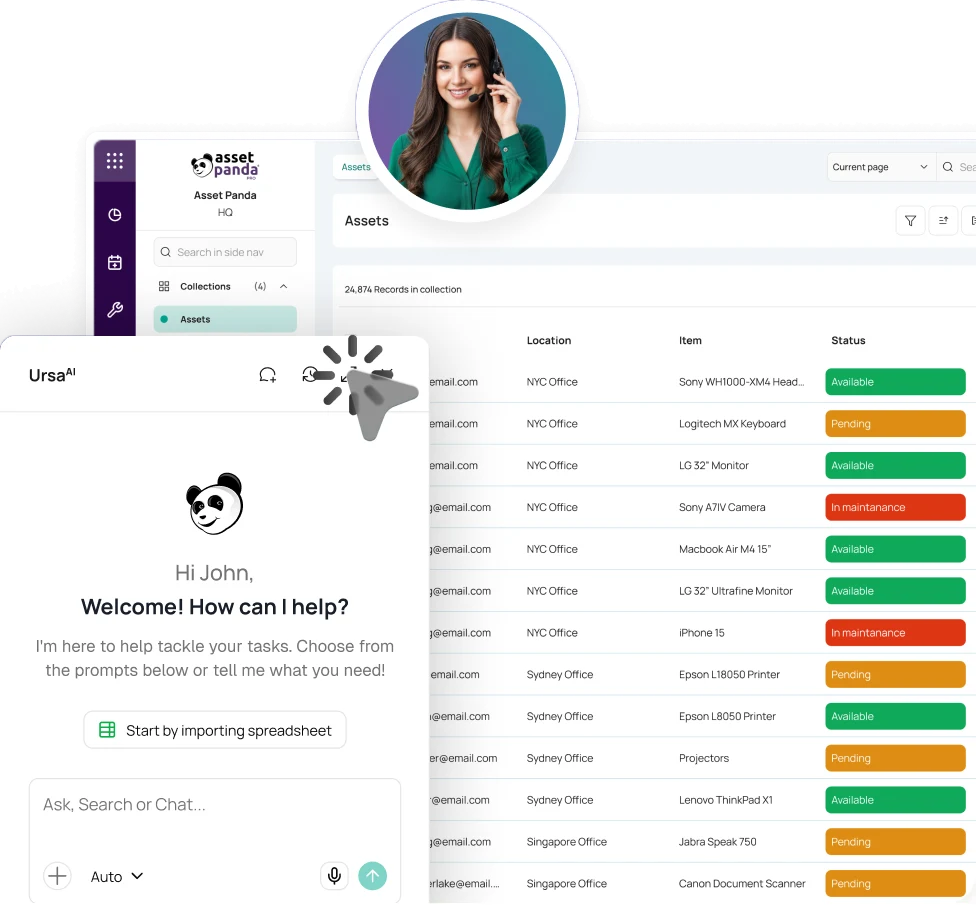
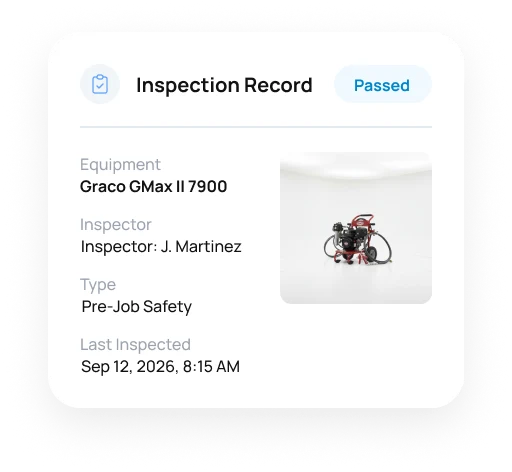
A completed checklist is only the beginning. Asset Panda captures photos, signatures, results, and resolution details so the next action is clear.



Trusted by organizations managing equipment, inspections, and field operations.





Tie the result to the asset.
Asset Panda ties the checklist, inspector, photos, readings, and resolution details to the equipment itself, so teams can see what was found and how it was resolved.
FROM DUE INSPECTION TO ASSIGNED ACTION
Give every inspection a standard, an outcome, and clear ownership.
Start With the Right Asset
Assign the work or use a barcode or QR scan to open the correct equipment before the checklist begins.
Complete It Where the Asset Lives
Use mobile forms in the plant, yard, facility, station, or field. Capture work offline when connectivity is limited and sync later.
Capture the Outcome
Use required fields, readings, pass/fail responses, notes, images, and signatures so the result is documented, not remembered. AI-assisted review can help assess visible condition where applicable.
Give Exceptions an Owner
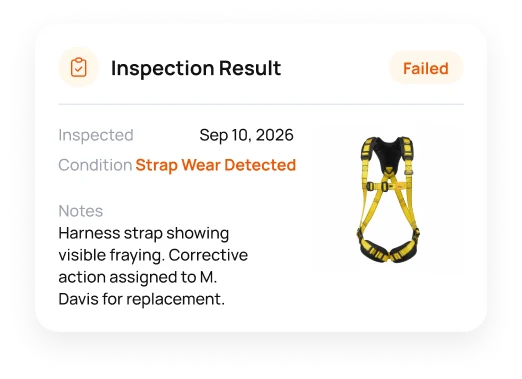
When something fails, create corrective work tied to the result and equipment. Assign an owner and due date while carrying the resolution back to the inspection that surfaced it.
STANDARDIZE THE PROCESS. PRESERVE THE CONTEXT.
Run inspections from the asset, not a detached form.
Digital Inspection Checklists
Build forms around the information each asset or process needs. Add required fields, lists, readings, photos, notes, and signatures for consistent completion.
Mobile Barcode & QR Inspections
Use a barcode or QR code to open the right equipment on iOS or Android and complete the assigned inspection without hunting for a form.
Explore Barcode TrackingInspection Scheduling & Ownership
Assign upcoming inspections, use notifications to surface due work, and give supervisors a clearer view of completed, upcoming, failed, and overdue activity.
Explore Preventive MaintenanceAI-Assisted Visual Inspection
Use inspection images to help assess visible condition, populate selected details, and flag damage for human review where AI-enhanced inspection applies.
Failed Results & Corrective Action
Create a ticket from a failed result, assign an owner and due date, and link the resolution to the inspection that surfaced it.
Explore Help Desk TicketingInspection Reporting & Evidence
Use saved views, dashboards, reports, form submissions, photos, signatures, and time-stamped activity to review status and supporting documentation without reconstructing the trail.
Explore Compliance & Audit ReadinessTHE PHOTO CAN BECOME DATA.
Let AI help review what the inspector can see.
Asset Panda brings AI-assisted review into the same workflow as the checklist and supporting images. People remain responsible for the final inspection decision.
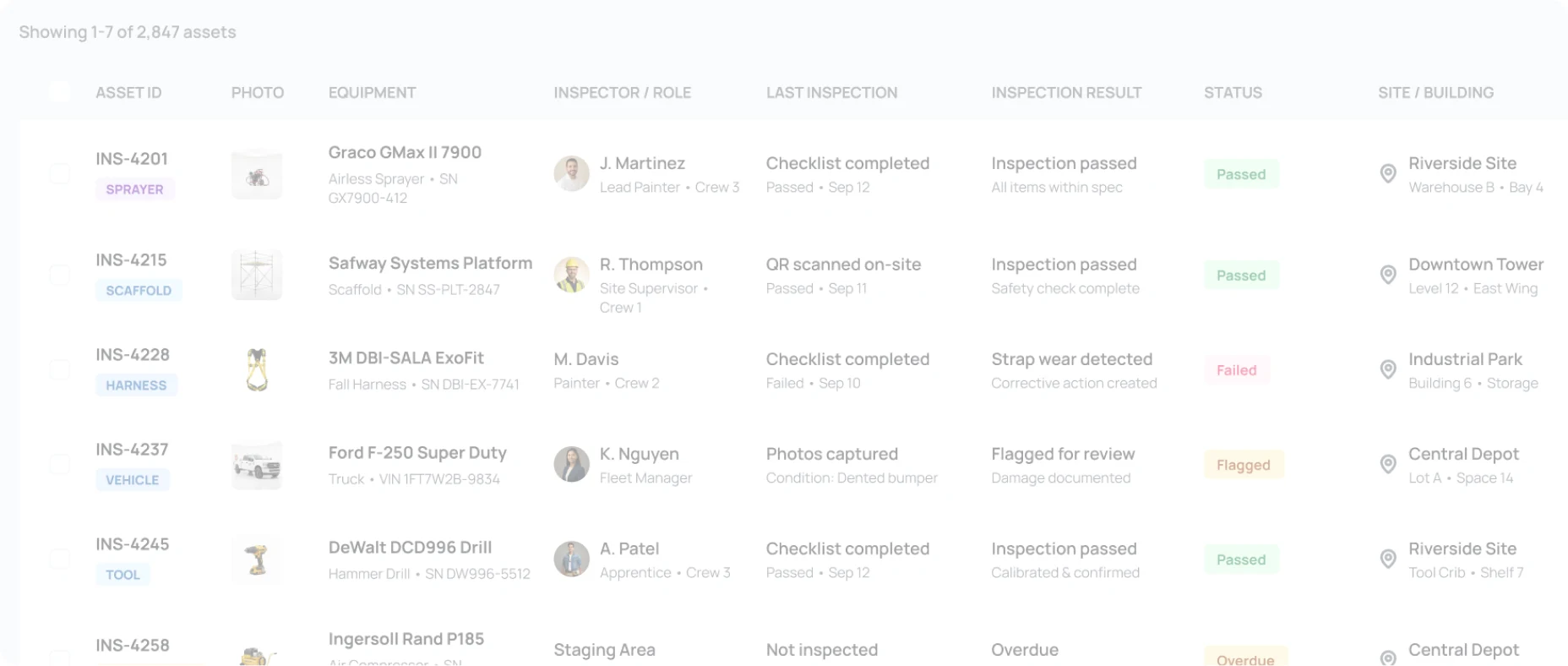

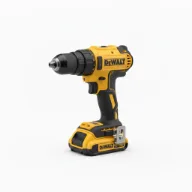

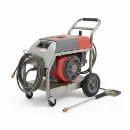
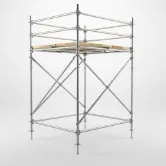


- INS-4201PASSED
- INS-4228FAILED
- INS-4258OVERDUE
- INS-TEMPUNREGISTERED
- 2,847 total assets
- 2,314 passed
- 186 failed
- 124 overdue
 INS-4201Graco GMax II 7900
 Riverside Site
- Analyze images for visible condition or damage where supported by the workflow.
- Help grade condition and populate selected inspection details from the image provided.
- Use search to find earlier inspections, files, tickets, and related asset context faster.
- Surface the exception, then let the authorized team decide the next action.
WHEN THE RESULT STAYS WITH THE ASSET.
See how teams carry field findings into action.

Field teams stay aligned on equipment condition.
“Asset Panda empowers our team and helps them communicate necessary information more easily, creating an environment of teamwork instead of guesswork.”
Warehouse Manager, Painters USA

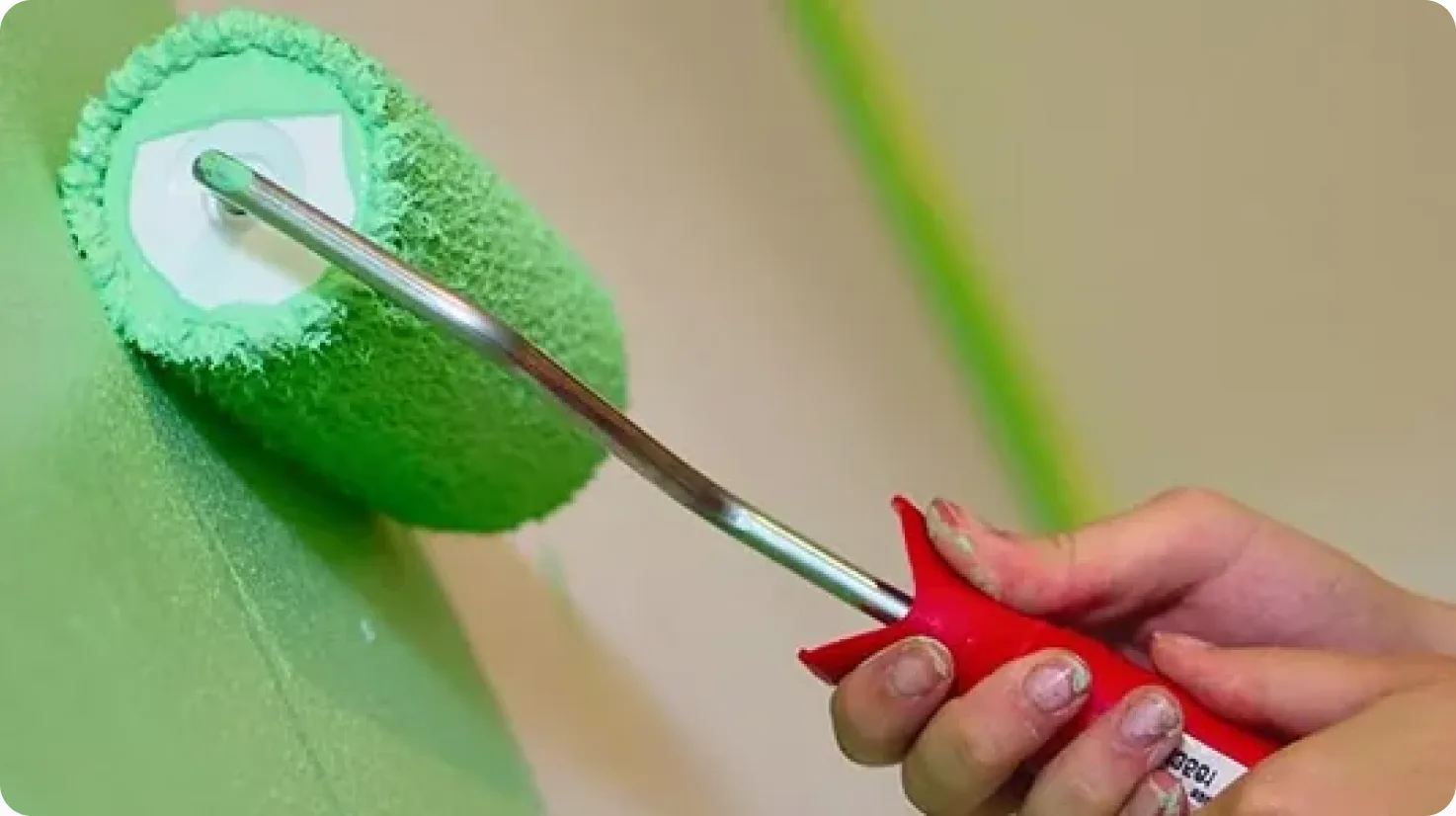
Inspection and calibration details reach the job site.
“Asset Panda has been amazing. It has changed the way we track and manage our assets.”
Logistics Manager, Spectra Asset Integrity Management


Vehicle inspection details stay with the vehicle.
“Employees and managers can find everything they need about a vehicle in one place, from training to… vehicle inspection history and maintenance needs.”
Operations Manager, The Budd Group







THE STANDARD CHANGES WITH THE ENVIRONMENT.
See how inspection workflows adapt to production, utility, and municipal environments.
Manufacturing
Run plant-floor inspections with standardized results, images, signatures, and AI-assisted condition review where applicable.
Energy & Utilities
Inspect field and infrastructure assets at distributed sites while tying field evidence, condition, and next steps to each asset.
Public Works
Give municipal crews a field-ready way to inspect vehicles, tools, equipment, and infrastructure and route issues into corrective work.
Asset Inspection Software FAQ
What is asset inspection software?
Asset inspection software standardizes how teams assess the condition, safety, readiness, or required information of physical assets. Asset Panda combines forms, mobile capture, outcomes, assigned action, and reporting around the asset itself.
How is asset inspection software different from mobile asset auditing?
Asset inspections evaluate an asset against a checklist or condition standard. Mobile asset auditing verifies whether expected assets are present, missing, or in the wrong location. Asset Panda supports both, but each workflow serves a different job.
Can we build inspection checklists with required photos, signatures, and fields?
Yes. Teams can build forms with required fields, dropdowns, readings, images, notes, and signatures. Permissions and automations can support how results move through the organization.
Can Asset Panda adapt inspection workflows without custom code?
Yes. Administrators can manage fields, forms, required steps, permissions, notifications, and automations around different asset types and inspection processes without custom development.
Can technicians use Asset Panda as an asset inspection app at remote sites?
Yes. Users can scan barcodes or QR codes, open the asset, complete forms, and capture images or signatures from iOS or Android devices. Offline mode supports work with downloaded data when connectivity is limited, then syncs later.
How does AI support visual asset inspections?
AI-enhanced inspection can analyze images, assess visible condition, help populate inspection details, and flag visible damage where applicable. People remain responsible for interpreting the result and deciding what happens next.
What happens when an asset fails an inspection?
Teams can create a ticket from the failed result, assign an owner and due date, and link the resolution to the original inspection instead of starting a separate paper trail.
Can teams report on upcoming, completed, failed, and overdue inspections?
Yes. Dates, assignments, notifications, saved views, dashboards, and reports can show inspection status and completed activity. The exact fields and reporting views can be adapted to the organization’s process.
Can Asset Panda help document safety or compliance inspections?
Yes. Inspection forms can retain required fields, images, signatures, submissions, and time-stamped activity with the asset. Organizations remain responsible for determining the requirements that apply to them.
DON'T CLOSE THE CHECKLIST. CLOSE THE LOOP.
See the issue. Capture the proof. Assign the response.
See how Asset Panda carries each inspection from finding to owner and resolution without another disconnected system.
Free Demo