

EVERY JOB SHOULD MAKE THE NEXT ONE EASIER.
Asset Maintenance Management Software
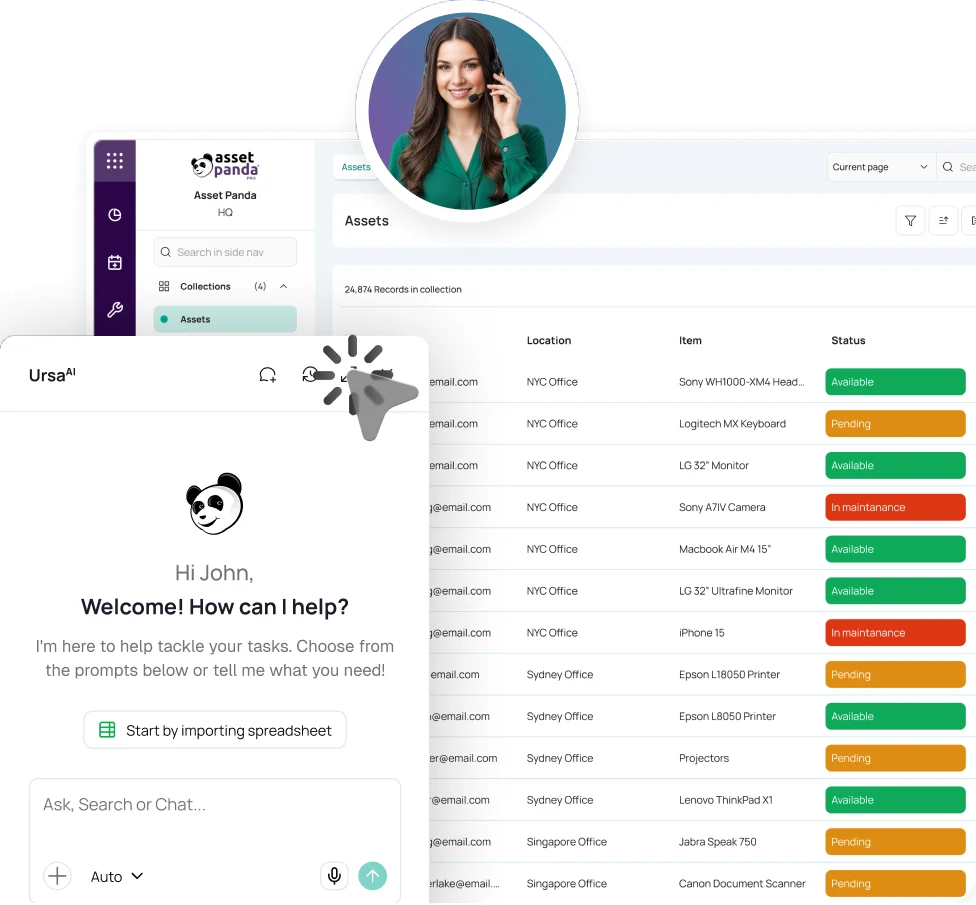
Asset Panda records work orders, costs, files, and field updates with the equipment so teams can trace what happened and what comes next.


Trusted by teams responsible for equipment uptime, maintenance work, and field service.




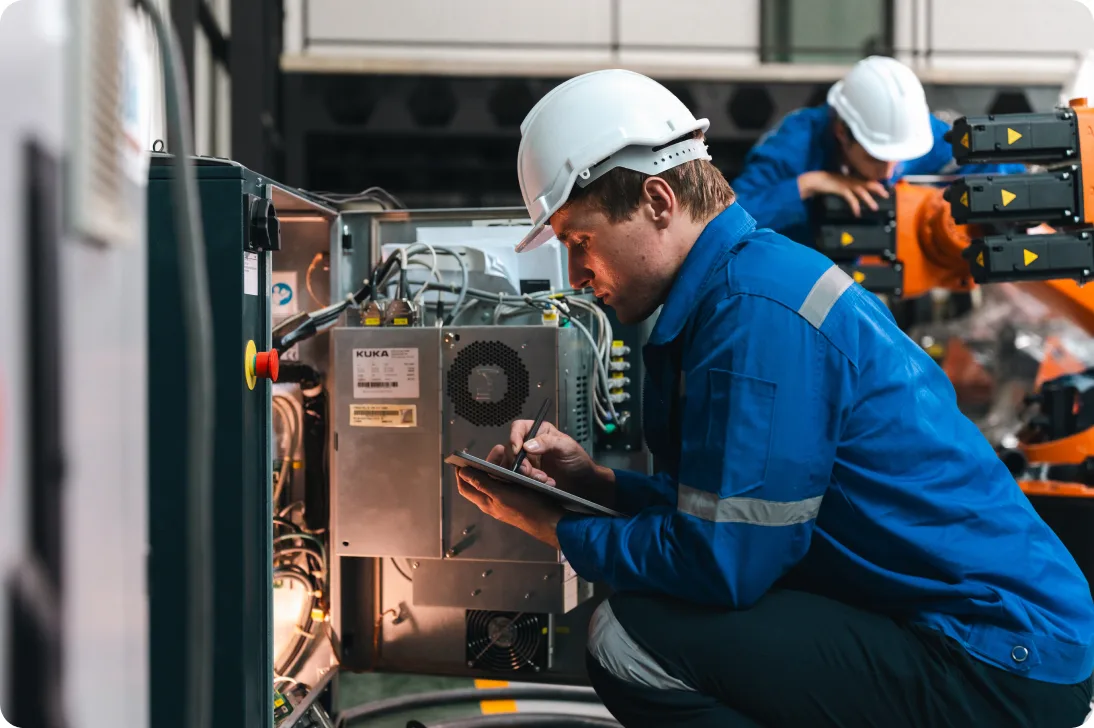
Give every maintenance job a clear path to completion.
Asset Panda ties ownership, status, files, costs, notifications, and completion details to the equipment so teams can coordinate work without chasing separate logs.
FROM ISSUE TO COMPLETION.
Move every job toward a clear outcome.
Capture the Issue
Create a work order or service ticket with the affected asset, issue details, priority, files, and what the team needs to begin.
Assign & Prioritize
Give the work an owner, status, due date, and permissions, then use notifications so the next action is clear.
Complete the Work
From web or mobile, add notes, photos, signatures, vendor details, parts context, costs, and completion information. Offline activity can sync later.
Close & Review
Close the task with a clear outcome, then use the captured activity for reporting, cost review, troubleshooting, and future planning.
THE WORK NEEDS MORE THAN A TICKET.
Manage ownership, service, costs, and follow-up in one place.
Work Orders & Ownership
Create maintenance work for the affected equipment, assign responsibility, set status and due dates, attach files, and make the next action visible.
Explore Help Desk TicketingPreventive Schedules
Plan recurring service, use reminders and date-driven workflows, and see upcoming maintenance before it becomes urgent.
Explore Preventive MaintenanceMobile Field Updates
Use a phone or tablet to look up equipment, complete forms, add photos or signatures, and update work where it happens. Offline activity can sync later.
Explore Barcode TrackingCosts & Replacement
Capture service costs, vendor details, and repeat repairs so managers have better context for repair-or-replace decisions.
Explore Asset Lifecycle ManagementReporting & Exceptions
Use saved views, dashboards, filters, and scheduled reports to review open work, overdue tasks, costs, completion status, and other maintenance metrics.
Corrective Repairs
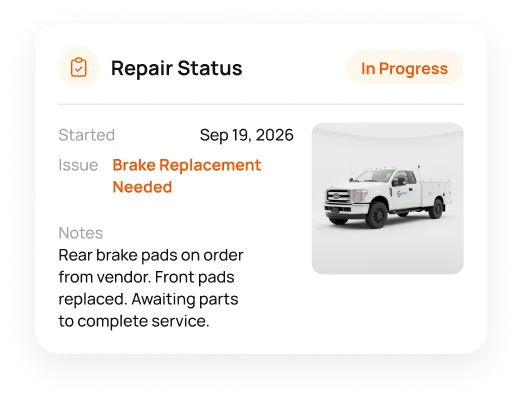
Document what failed, who owns the repair, current status, costs, vendor details, and return to service.
Explore Repair TrackingFIND THE CONTEXT BEFORE THE NEXT DECISION.
Find past service, costs, and gaps with Ursa AI.
UrsaAI can work with Asset Panda data, files, permissions, and approved company knowledge available to a user to surface relevant maintenance context.




- WO-7801COMPLETED
- WO-7823IN PROGRESS
- WO-7856OVERDUE
- WO-TEMPNEW
- 1,284 total equipment
- 847 completed
- 42 in progress
- 18 overdue
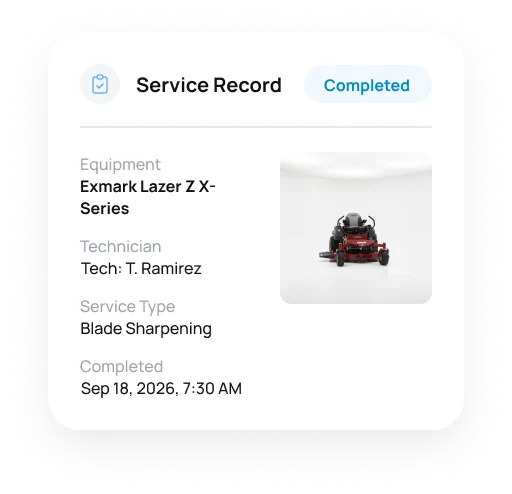
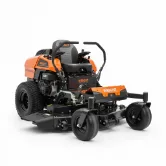
 WO-7801Exmark Lazer Z X-Series
 Main Yard
- Find prior service, manuals, warranty information, costs, and related documents tied to the equipment.
- Search assets, people, places, tickets, files, and past activity from one starting point.
- Surface recurring issues, incomplete information, overdue work, or assets that deserve a closer look.
- People remain in control of the maintenance decision and next action.
WHEN SERVICE DETAILS STAY WITH THE ASSET.
See how teams save time and leave spreadsheets behind.

Two hours a day recovered from spreadsheet work.
“I’d say we’ve recovered two hours a day with Asset Panda.”
Director, Waste Initiatives

Vehicle information ready in minutes.
“All of the information needed was right there at my fingertips.”
Asset & Materials Coordinator, Allied Protection Services, Inc.


Excel stopped being the maintenance log.
“It was hard to keep up with repairs and everything via Excel.”
Operations Coordinator, Covenant Testing Technologies








MAINTENANCE CHANGES WITH THE ASSET.
See how maintenance changes in public works, plants, and jobsites.
Public Works
Manage vehicles, heavy equipment, tools, inspections, repairs, and field service in municipal operations.
Construction
Manage tools, vehicles, and heavy equipment between yards and jobsites while keeping service, repairs, and inspections tied to the asset.
Manufacturing
Manage plant equipment, repairs, inspections, calibration, parts, and service activity in production environments.
Asset Maintenance Management Software FAQ
What is asset maintenance management software?
Asset maintenance management software helps teams assign work, update status, document service, review costs, and report on maintenance for the equipment being serviced. Asset Panda brings those activities into the same Asset Intelligence Platform used for inspections, audits, documents, and lifecycle decisions.
Is Asset Panda a CMMS?
Asset Panda supports core CMMS-style workflows including work orders, maintenance tracking, mobile execution, notifications, service history, costs, and reporting. Its broader strength is that maintenance sits inside the same asset intelligence platform used for tracking, inspections, audits, documents, and lifecycle management.
How is maintenance management different from preventive maintenance software?
Maintenance management covers the broader work lifecycle, including intake, work orders, assignments, corrective service, costs, reporting, and completion. Preventive maintenance software focuses specifically on planned or recurring work before failure. Asset Panda supports both.
Can teams create and assign maintenance work orders in Asset Panda?
Yes. Teams can create maintenance work linked to the affected asset, assign an owner, use statuses and dates, attach files or evidence, and preserve the completed activity for future reference and reporting.
Can Asset Panda track service history by asset?
Yes. Completed maintenance can include the date, work performed, vendor, cost, files, notes, and other fields your team uses. Managers can review that service history without reconstructing past activity from separate spreadsheets.
Can technicians complete maintenance work from a phone?
Yes. Authorized users can access assets, run mobile actions, scan barcodes or QR codes, complete forms, add photos, capture signatures, and update service details from iOS or Android devices. Offline mode can capture activity for later synchronization.
Can Asset Panda track maintenance costs and support repair-or-replace decisions?
Yes. Organizations can capture service costs with the asset, then use views, dashboards, and reports to review maintenance spending over time alongside condition, age, and lifecycle information. This gives managers better context when deciding whether to continue service or replace equipment.
Can parts and related records be connected to maintenance work?
Yes. Existing parts, inventory, vendor, or other related records can be referenced through Asset Panda fields and workflows. New supporting entries can be created through their own forms and associated with the relevant asset or maintenance event.
Can Asset Panda work alongside ERP, inventory, or other maintenance systems?
Yes. Asset Panda supports integrations, APIs, webhooks, SFTP, and other data workflows where appropriate. Organizations can use it as the operational asset record while specialized finance, ERP, inventory, or other systems remain in place.
START THE NEXT JOB WITH THE FULL CONTEXT.
Give technicians the context before work begins.
See how Asset Panda ties ownership, costs, files, and completed service to the equipment.
Free Demo