

A BARCODE SHOULD DO MORE THAN TELL YOU WHAT IT IS.
Barcode Asset Tracking Software
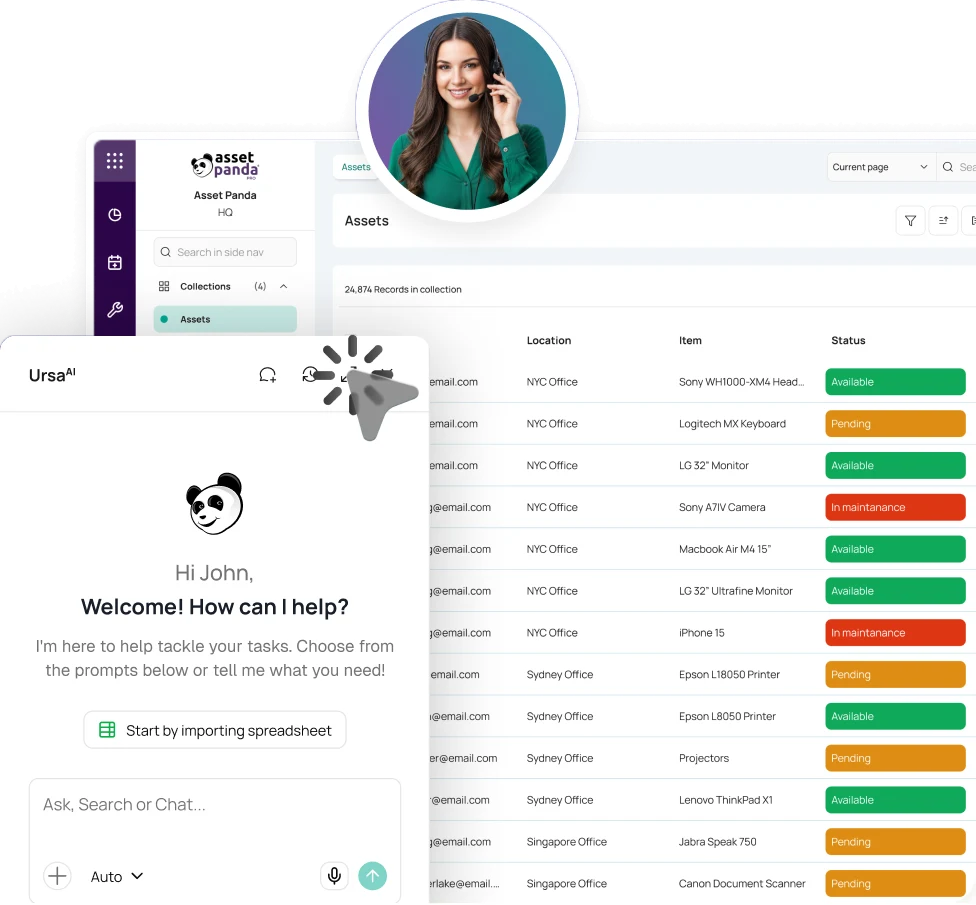
Scan the asset where the work happens. Asset Panda pulls up the asset record so teams can assign, audit, inspect, repair, or update details from mobile.


Trusted by teams that need asset information available wherever equipment changes hands.





Turn identification into action.
Asset Panda opens the right asset from a barcode or QR code so authorized users can assign, transfer, inspect, audit, create tickets, add evidence, or set status on the spot.
FROM LABEL TO ACTION IN SECONDS
Find the asset. See the context. Act where the work happens.
Scan the Identifier
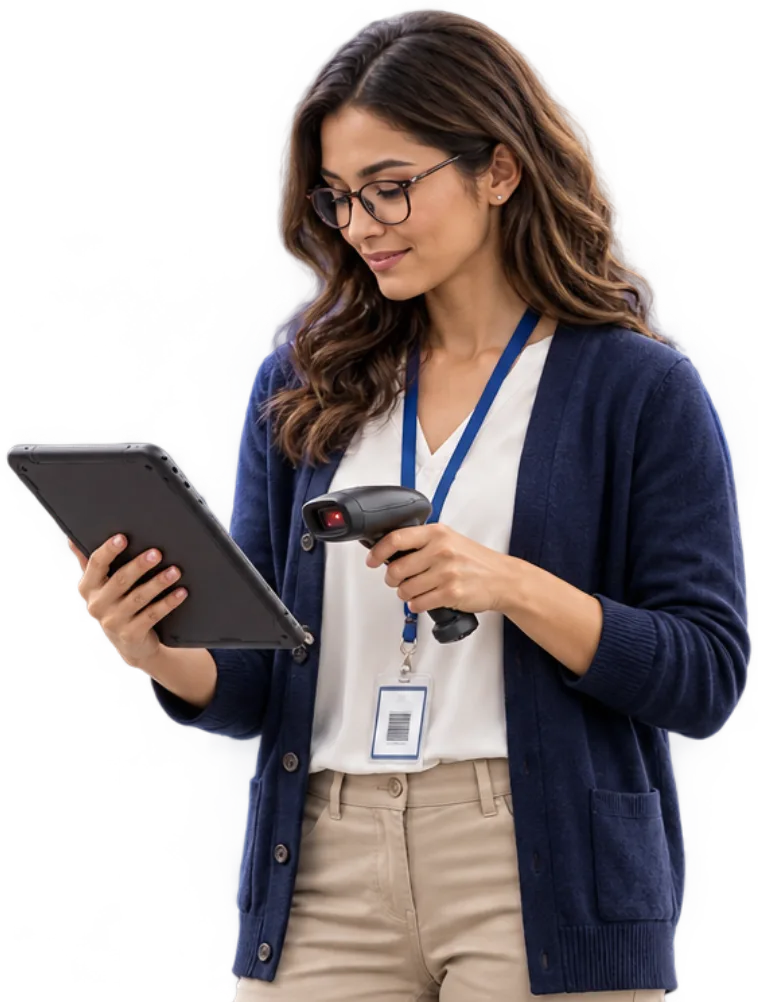
Use the camera on an iOS or Android device to scan the asset barcode or QR code and open its Asset Panda profile.
Review the Context
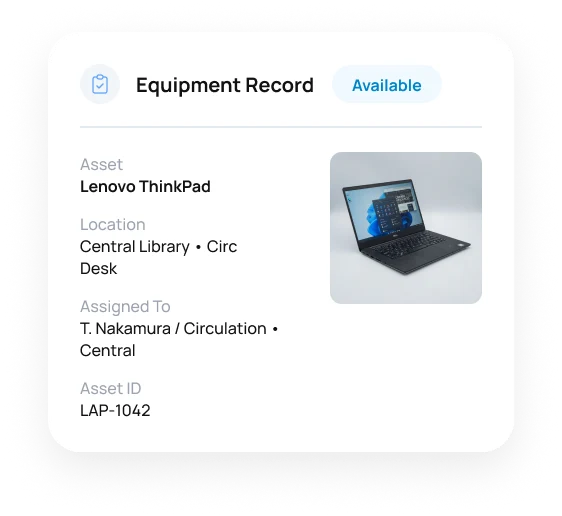
See the current assignment, saved location, status, files, dates, and recent activity before acting.
Take the Next Action
Assign, transfer, check in or out, inspect, audit, create a ticket, add photos or signatures, or edit fields from mobile. Offline work can sync later.
Preserve What Happened
Save the result with the asset so the next user sees what happened instead of starting from another spreadsheet or paper handoff.
THE CODE IS ONLY THE ENTRY POINT.
Use one barcode or QR code to reach the asset, record custody, verify condition, or start follow-up.
Built-In Mobile Barcode & QR Scanner
Use the phone or tablet your team already carries to read supported barcodes and QR codes and open the asset without typing an ID.
Existing or New Asset Labels
Use identifiers already associated with Asset Panda or create barcode and QR labels in the platform. Route materials, durability, and printing questions to Asset Tags & Labels.
Explore Asset Tags & LabelsAssignments, Transfers & Check-Out
Identify the asset before handing it to a person, crew, department, site, or customer, then capture the handoff or new location while it is still in front of you.
Explore Equipment ManagementBarcode Audits & Physical Verification
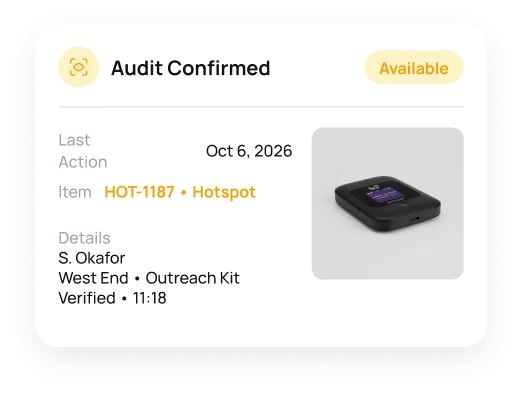
Scan expected assets during a physical audit, work offline where needed, and identify records that are verified, missing, or outside the expected list.
Explore Mobile Asset AuditingInspections & Field Evidence
Open the asset from its barcode or QR code, complete the assigned checklist, and capture notes, photos, readings, or signatures against the equipment being inspected.
Explore Asset InspectionsTickets, Repairs & Follow-Up
Start follow-up from the affected asset with issue details, files, owner, priority, and prior activity already in context.
Explore Help Desk TicketingTHE SCAN OPENS THE ASSET. THE HISTORY ANSWERS THE QUESTION.
Move from identification to context without another search.
Once the asset is open, authorized users can use UrsaAI to find supporting context in Asset Panda data and approved company knowledge available to them.
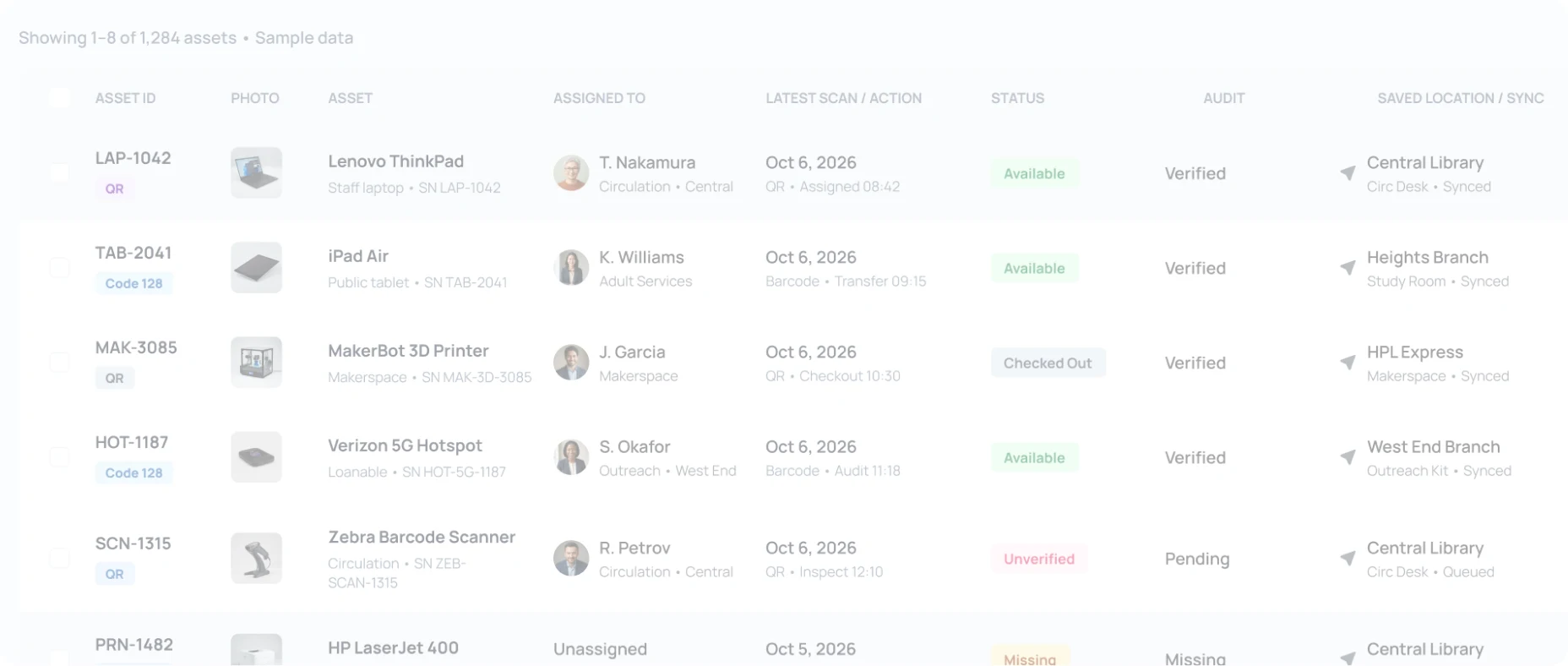

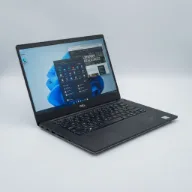

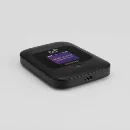
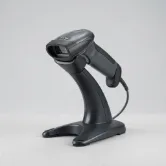


- LAP-1042STAFF LAPTOP
- TAB-2041PUBLIC TABLET
- HOT-1187HOTSPOT
- 1,284 total assetsAcross branches
- 1,042 labeled assetsBarcode or QR linked
- 118 scans todayMobile scan activity
- 64 pending syncOffline actions queued

 T. Nakamura
- Ask who has the asset, its last saved location, or what changed most recently.
- Find related inspections, tickets, repairs, documents, assignments, and lifecycle activity without starting another search.
- Surface missing information or upcoming dates, then let the authorized team decide the next action.
WHEN ASSET DATA IS CAPTURED AT THE POINT OF USE.
See how teams save time by capturing asset information during handoffs.

At least an hour a day saved at offices and jobsites.
“We like how well it works with scanning barcodes, and the intuitive search feature.”
Group ICT Manager, GMI Construction

About two hours a day saved after moving off spreadsheets.
“Making the transition from Excel spreadsheets to Asset Panda has saved us approximately two hours a day.”
Manager, Houston Public Library

Up to three hours saved while tracking assets worldwide.
“We have incorporated the built-in barcode scanner to scan and upload data on all assets to one centralized location.”
IT Manager, Stanford University









THE SAME BARCODE. DIFFERENT JOBS.
See how mobile barcode and QR workflows fit jobsites, public operations, and production environments.
Construction
Identify tools and equipment at jobsites, yards, vehicles, and warehouses, then capture assignment, location, inspection, and follow-up activity without returning to the office.
Government & Public Sector
Use barcode and QR codes for custody, transfers, asset verification, field activity, and accountability in departments, facilities, IT, and public safety operations.
Manufacturing
Use barcodes and QR codes on tools, gauges, test equipment, and production assets to document status, inspections, repair context, and history at the point of use.
Barcode Asset Tracking Software FAQ
What is barcode asset tracking software?
Barcode asset tracking software links a physical barcode or QR code to the corresponding asset in a digital system. In Asset Panda, users can identify equipment, review assignment and status, and carry out authorized actions from mobile without typing an asset ID. A barcode asset tracking system can support audits, inspections, assignments, tickets, and other actions from the same starting point.
Can Asset Panda scan barcodes and QR codes from a phone or tablet?
Yes. Authorized users can use the camera on an iOS or Android device to read supported barcodes and QR codes, open the right asset, and perform available mobile actions. A separate handheld scanner is not required for the built-in mobile workflow.
Do we need new Asset Panda labels, or can we use existing barcodes?
Organizations can keep existing identifiers when they are associated with the correct Asset Panda assets, and Asset Panda can also create barcode or QR labels.
What can users do after scanning an asset?
Depending on permissions and the process your organization uses, authorized users can open the asset for assignment or transfer, check-in or check-out, field edits, audits, inspections, ticket creation, photos, signatures, and other actions.
Can barcode asset tracking work offline?
Yes. Asset Panda supports offline mobile use. Teams can work with downloaded asset data in areas with limited connectivity and sync captured activity after reconnecting.
Does barcode scanning provide GPS tracking?
Asset Panda can record GPS coordinates from the mobile device when an asset is scanned and that option is enabled. This provides scan-location context; it is not continuous GPS tracking, telematics, or live technician monitoring.
Can barcode scanning support asset audits and inspections?
Yes. During physical audits, users can verify expected assets from mobile, and inspection checklists can open from the asset itself. Mobile Asset Audit owns inventory verification, while Asset Inspection owns checklist-based condition and readiness checks.
Can Asset Panda use barcode scanning for IT assets?
Yes. Teams can identify laptops, phones, tablets, peripherals, and other technology assets from mobile, reassign equipment or adjust locations, conduct audits, and document lifecycle activity.
THE BARCODE FINDS THE ASSET. ASSET PANDA HANDLES WHAT COMES NEXT.
Open the asset. Take action. Save the result.
See how Asset Panda turns barcode and QR codes into assignments, audits, inspections, tickets, and mobile actions from the devices your team already carries.
Free Demo