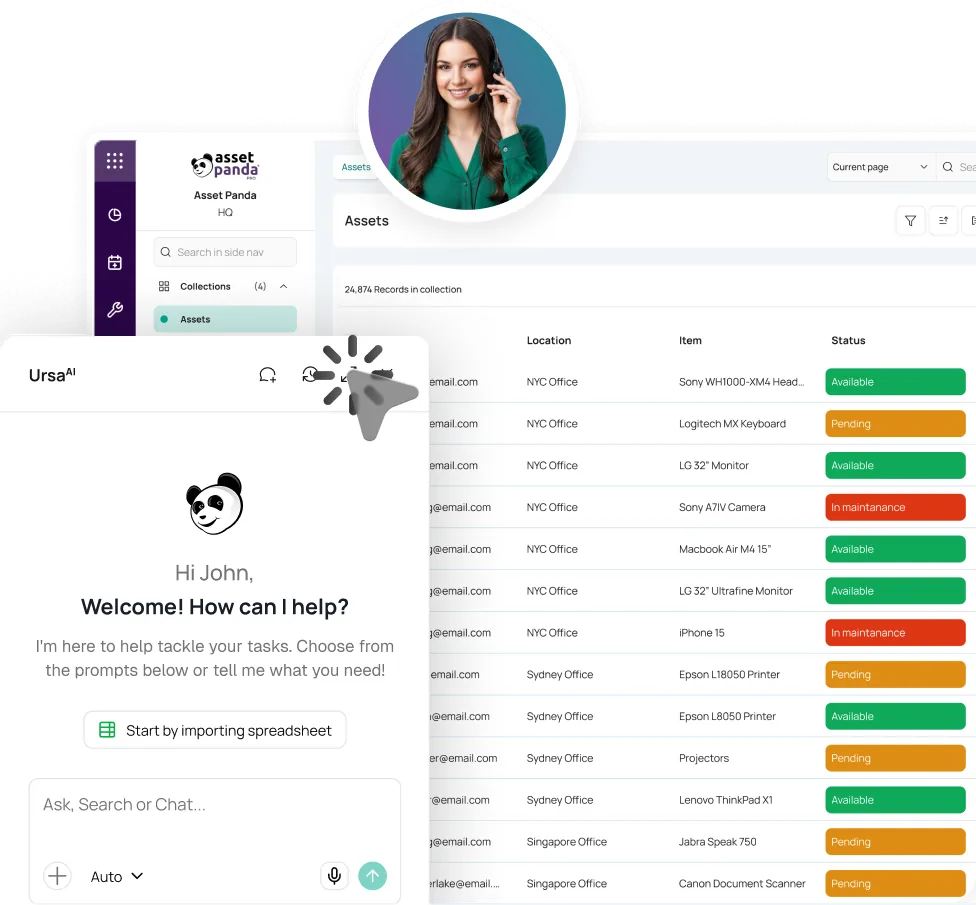



Build the Stock Record
Import Excel or CSV files, define units and quantities, and keep the fields your team needs.


Found it in your asset records.
KNOW WHAT’S LEFT BEFORE THE LAST ONE GOES.
Inventory management software should show what is available before someone checks the shelf. Asset Panda updates quantities, locations, issue history, and reorder points as stock moves.
Trusted where a wrong count can delay work or waste budget.





THE COUNT LOOKS RIGHT UNTIL SOMEONE NEEDS IT.
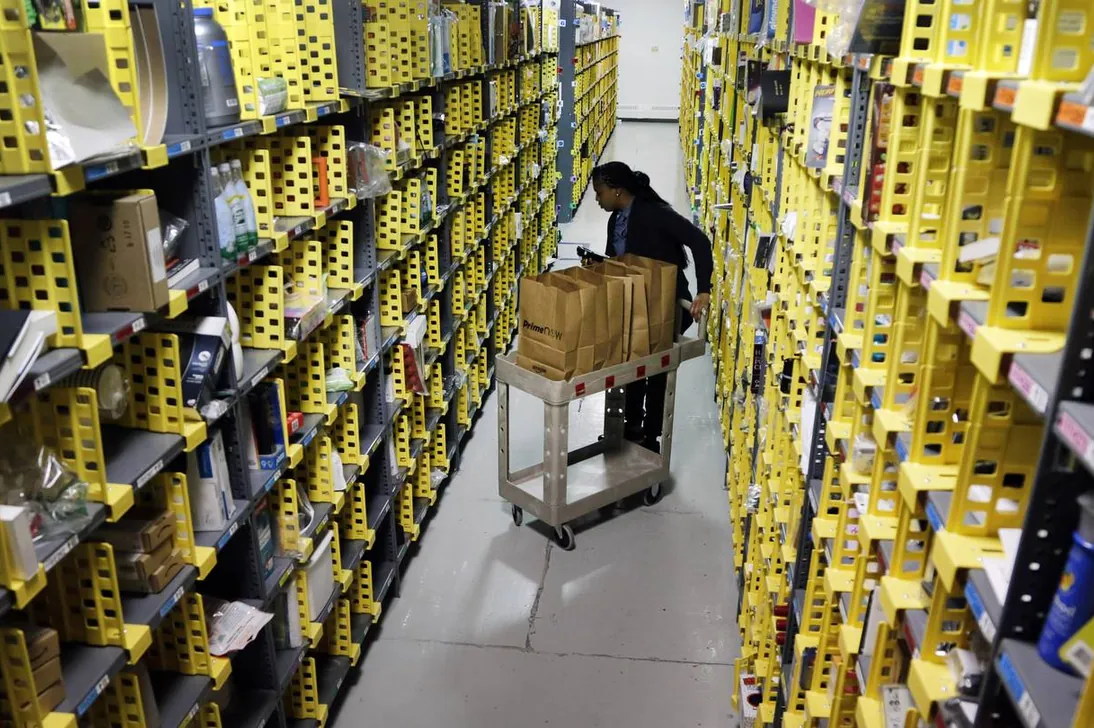
Stock leaves from a counter, jobsite, cabinet, or supply room. If the issue never reaches the record, the shortage appears when work is already waiting.
One live count. Every issue, return, transfer, and scan.
Asset Panda updates the count as stock moves, so teams find inventory faster, reorder sooner, and defend the number without walking to the shelf.
FROM STOCK LIST TO STOCK CONTROL
Run inventory from a single system of record that reflects your locations and process. No custom code or developer ticket required.
Import Excel or CSV files, define units and quantities, and keep the fields your team needs.
Choose minimum quantities and recipients so purchasing starts before the last item leaves.
Issue, return, transfer, or count from a phone even offline then sync later.
Use global search, reports, alerts, and tickets to keep shortages, approvals, and follow-up owned.
THE CONTROL BEHIND THE COUNT
Turn each scan and stock movement into a clearer answer for operations, purchasing, and the field.
Track supplies, consumables, spare parts, and other stock by quantity from the web or mobile app.
Set reorder points and notify the right person by email or push before a shortage stops work.
Record who received an item, how many, when, and for which job or cost center. Add a signature when needed.
See quantities by site and across the organization while preserving each location’s operational view.
Scan existing barcodes or QR codes, count against expected stock, attach evidence, and work offline.
Explore Mobile Asset AuditingBundle items for faster movement, identify records with barcode or QR labels, and shape forms and permissions without developer work.
Explore Asset Tags & Labels






INVENTORY INTELLIGENCE FOR QUESTIONS THAT CANNOT WAIT
UrsaAI works inside Asset Panda with the context of inventory records, permissions, forms, and files. Authorized users can ask for quantities, usage history, and exceptions without exporting the data first.
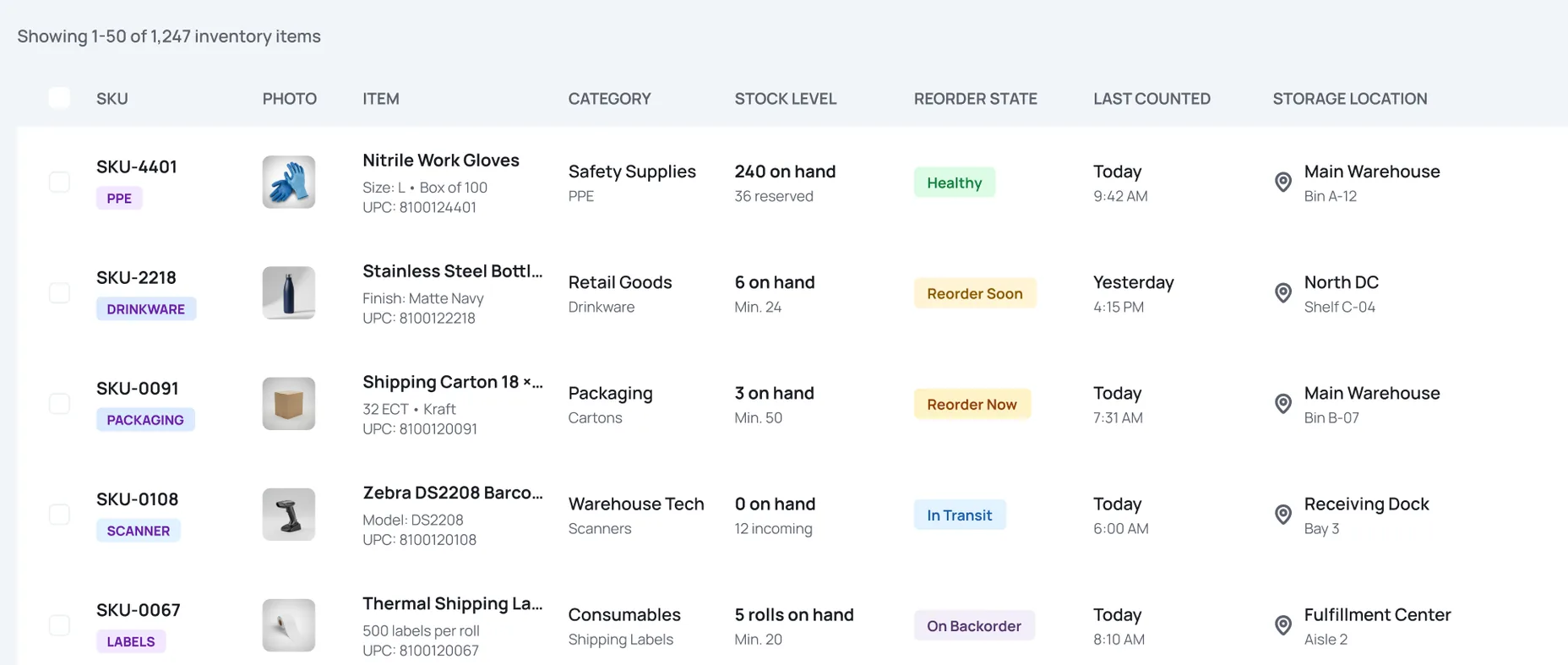
 SKU-4401Nitrile Work Gloves
PROVEN WHERE A WRONG COUNT COSTS MONEY

“This software has streamlined our processes and made them better and faster. We’re saving costs because we’re not double-ordering items we thought we didn’t have.”
Operations, Painters USA



“Asset Panda has changed the way we work. We spend less time looking for inventory … we’re probably saving about two hours a day.”
Owner, Home Designs

“It also makes it very easy for me to know when I have to reorder materials that we usually stock.”
Administrator, Hard Surface Finishers








ONE INVENTORY VIEW. DIFFERENT DECISIONS.
Track spare parts, consumables, and production supplies across plants, lines, and stockrooms before shortages affect output.
See quantities by location, scan stock as it moves, and reconcile receiving, storage, picking, and issue activity.
Track consumables, laboratory stock, and supply movement across controlled environments with clearer location and issue history.
Inventory management software tracks quantities, locations, issues, returns, and reorder points. Asset Panda provides a flexible web and mobile inventory application for stock, consumables, kits, and spare parts.
Inventory management usually follows quantities of interchangeable stock. Asset tracking follows individual serialized items and their custody or lifecycle. Asset Panda can support both in one platform while keeping the workflows distinct.
Yes. Set a reorder point for an item and notify the right person by email or push when the recorded quantity falls below it. People remain in control of purchasing and approvals.
Yes. Issue forms can record the recipient, quantity, date, job, department, cost center, notes, and signature. That history stays connected to the stock record.
Yes. Each site can maintain its own inventory view while cross-site reports show combined totals. Recorded stock movements and scans update quantities and locations.
Yes. Import Excel or CSV data, preserve the fields you need, and use forms, alerts, permissions, views, and automations that reflect your process. No custom code or developer-led build is required.
SEE YOUR OWN STOCK IN MOTION
Bring your current inventory list. We’ll show how quantities, low-stock alerts, issue history, barcode scans, and multi-site totals work with your items.
Free Demo